


Gameserver plan
ZAP Spawn
€5.99/ 30 days
- 2 GB RAM
- 2 CPU
- 15 GB NVMe
- Unlimited Slots
 Pixelmon modpack · Minecraft Java
Pokehaan Craft 2 · Pokehaan Craft 2 installed via CurseForge in a few clicks, unlimited slots, DDoS protection and locations worldwide.
Gameserver plan
Gameserver plan
Gameserver plan
Gameserver plan
Gameserver plan
Gameserver plan
Gameserver plan
Gameserver plan
Gameserver plan
Packages 1–3 of 9
 minecraft
Configure yourself
No package fits? Choose your RAM, CPU and storage—you only pay for the performance your community actually needs.
Powerful CPUs
100 Gbit/s host network
DDoS protection
CurseForge installer
Daily Backups
 Visa
 Mastercard
 American Express
 PayPal
 Google Pay
 Apple Pay
 Klarna
 Amazon Pay
About the modpack
Pokehaan Craft 2 is a Minecraft Java modpack built on Pixelmon: you catch, train and battle Pokémon across a blocky world, visit Pokestops, work through quests and build bases with your friends. The adventure works best in a shared world that never goes offline, and that's what Minecraft Pokehaan Craft 2 server hosting gives you: your own server where the whole crew's progress keeps going even when your PC is off.
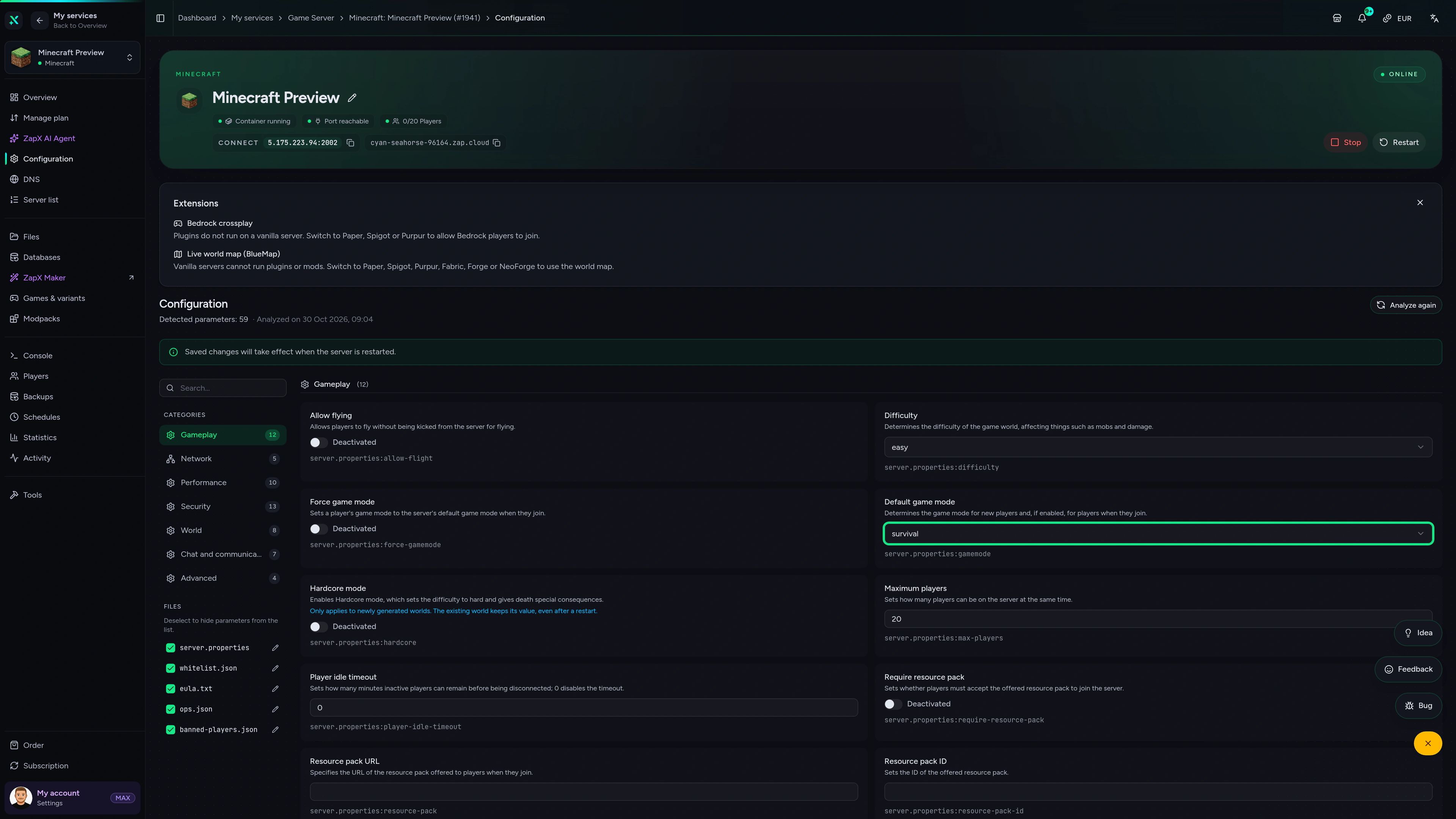
You decide which modpack version runs, who gets on the whitelist and how the Pixelmon settings are tuned. Pokehaan Craft 2 comes preinstalled with your order. Take a Backup with ZapX Pass before every update and keep client and server on the same version so nobody gets kicked at login. Player slots are unlimited, so no package ever caps the size of your trainer crew.
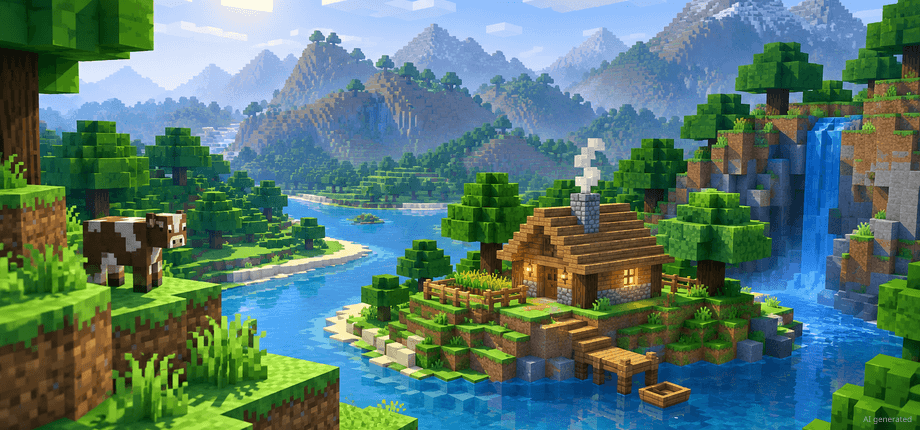
Core Features
Everything your trainer crew needs: the modpack installer, unlimited slots, daily Backups and enough RAM for smooth Pixelmon spawns.
Your Pixelmon modpack is on the server in a few clicks, no manual uploads.
Bring your whole trainer crew. Your resources set the limit, not a slot package.
Pokémon spawns and new chunks load smoothly with dedicated RAM and CPU.
Keep your Pokémon, bases and quest progress safe: create a restore point with ZapX Pass before updates.
Keep your singleplayer progress by uploading your world to the server.
Order, let the modpack install and go catching Pokémon with friends the same evening.
Only for Minecraft
Explore other modpacks, manage your players and let ZapX Maker build your own mods, all from the panel.


Minecraft
Try packs from CurseForge, Modrinth, Feed the Beast or Technic in one click.
Kick or ban players and set operator levels in your panel, without console commands.
Describe a mod and ZapX Maker builds and deploys it to your server with ZapX Pass.
Locations worldwide
8 data centers worldwide — choose the location closest to your community.


Reviews
Real feedback on support and setup.
FAQ
Answers to the most important questions before you start.
Plans start at €5.99 per month, and the shop always shows live prices.
Pokehaan Craft 2 runs on our Minecraft game server plans, which are priced per package, not by player slots. The configurator always shows the current price for each package. Pixelmon-based modpacks need more memory than vanilla, so allow RAM headroom for your group and adjust later. You can cancel anytime.
Start with a modded preset and add resources as your crew grows.
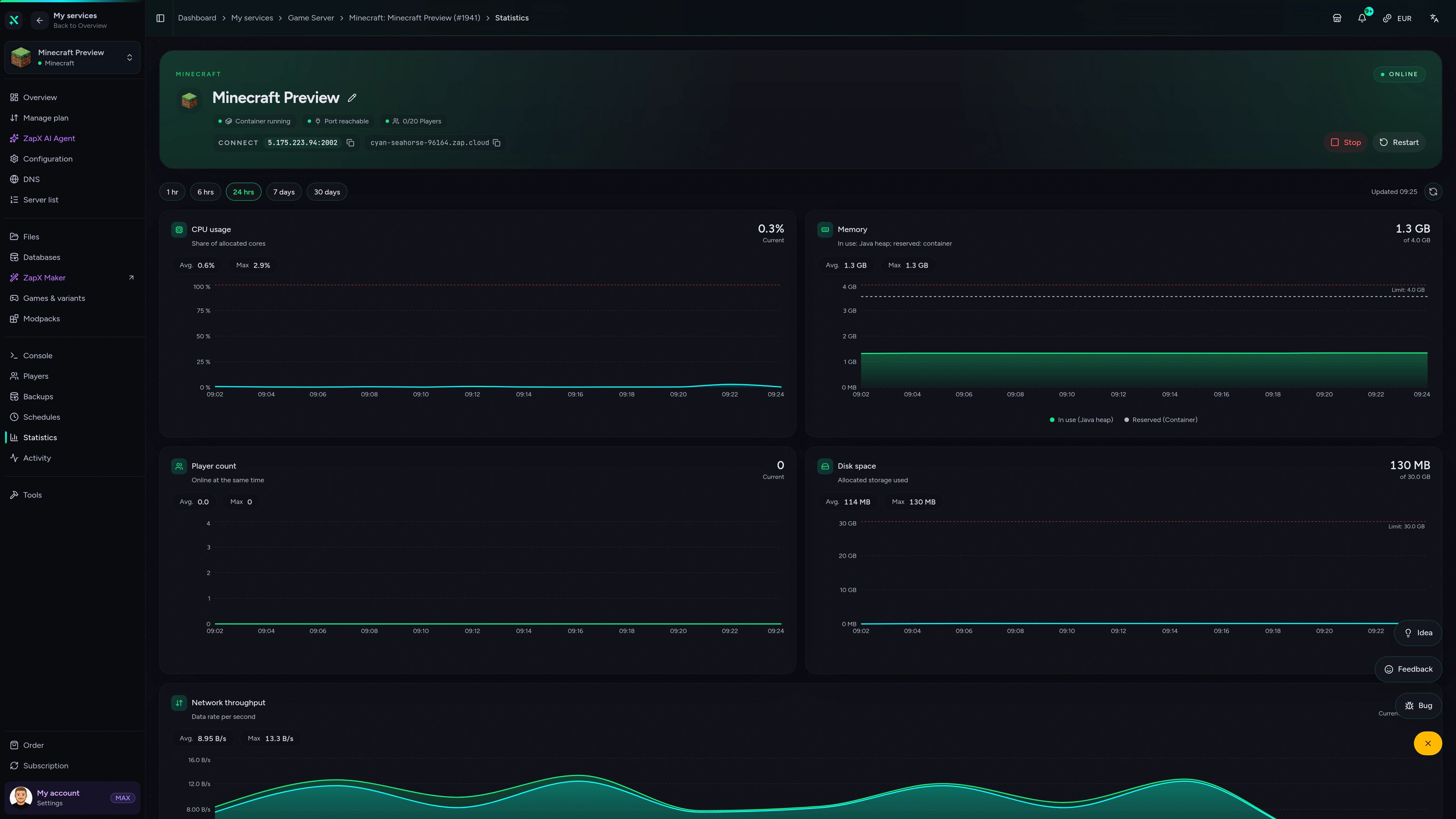
Pokehaan Craft 2 is a heavy modpack. Pixelmon spawns, Pokémon AI and new chunk generation need far more RAM and CPU than vanilla Minecraft. Choose enough RAM for your group in the configurator and watch RAM and TPS in the panel statistics during your first sessions. Add resources when your world and player count grow. As a guideline: about 5 GB for 2 players, 8 GB for around 10 players. Performance tips in the Help Center
Ordered through this page, it is preselected and installed automatically.
When you order through this page, Pokehaan Craft 2 is already preselected and the server files are set up automatically with your order. Start the server once to generate the world, then connect using the same modpack version in your CurseForge launcher. Modpack guide in the Help Center
Player slots are unlimited on every plan.
Your Pokehaan Craft 2 server has no slot cap, so you can invite your whole trainer crew. How smoothly it runs with many players depends on the RAM and CPU you choose, how many Pokémon spawn around active players and how much new terrain gets explored. You can add resources at any time without losing your world.
Your server is set up right after checkout.
Your game server is set up right after checkout. Installing Pokehaan Craft 2 and the first start with world generation take a few more minutes because the modpack loads a lot of mods. After that, restarts are much faster and your friends can join right away.
You can choose from locations worldwide. Pick the one closest to your players.
Your server can run in any of our data center locations worldwide. For the lowest ping, choose the location closest to most of your community. Many North American groups start with Ashburn, Dallas or Los Angeles, and groups elsewhere simply pick the location nearest to them.
Everyone needs the same modpack version, then they connect with the address from the panel.
Your friends install Pokehaan Craft 2 in the CurseForge launcher, using exactly the same version as your server. Then they add your server in the multiplayer menu with the IP and port shown in the panel. Most join errors come from a version mismatch, so check the version first if someone gets kicked. A whitelist keeps the world private to your crew. Connection guide in the Help Center
Yes. Back up first, update the server, then update every client.
New Pokehaan Craft 2 server files come out regularly. With ZapX Pass, back up your world before updating and restore it if something goes wrong. Run the update through the modpack installer and start the server once to check the logs. Then everyone updates their client to the same version.
Any more questions?
Contact SupportZapX Panel
Activity, statistics, console and Backups in one view, so you can keep your Pixelmon world running smoothly day to day.
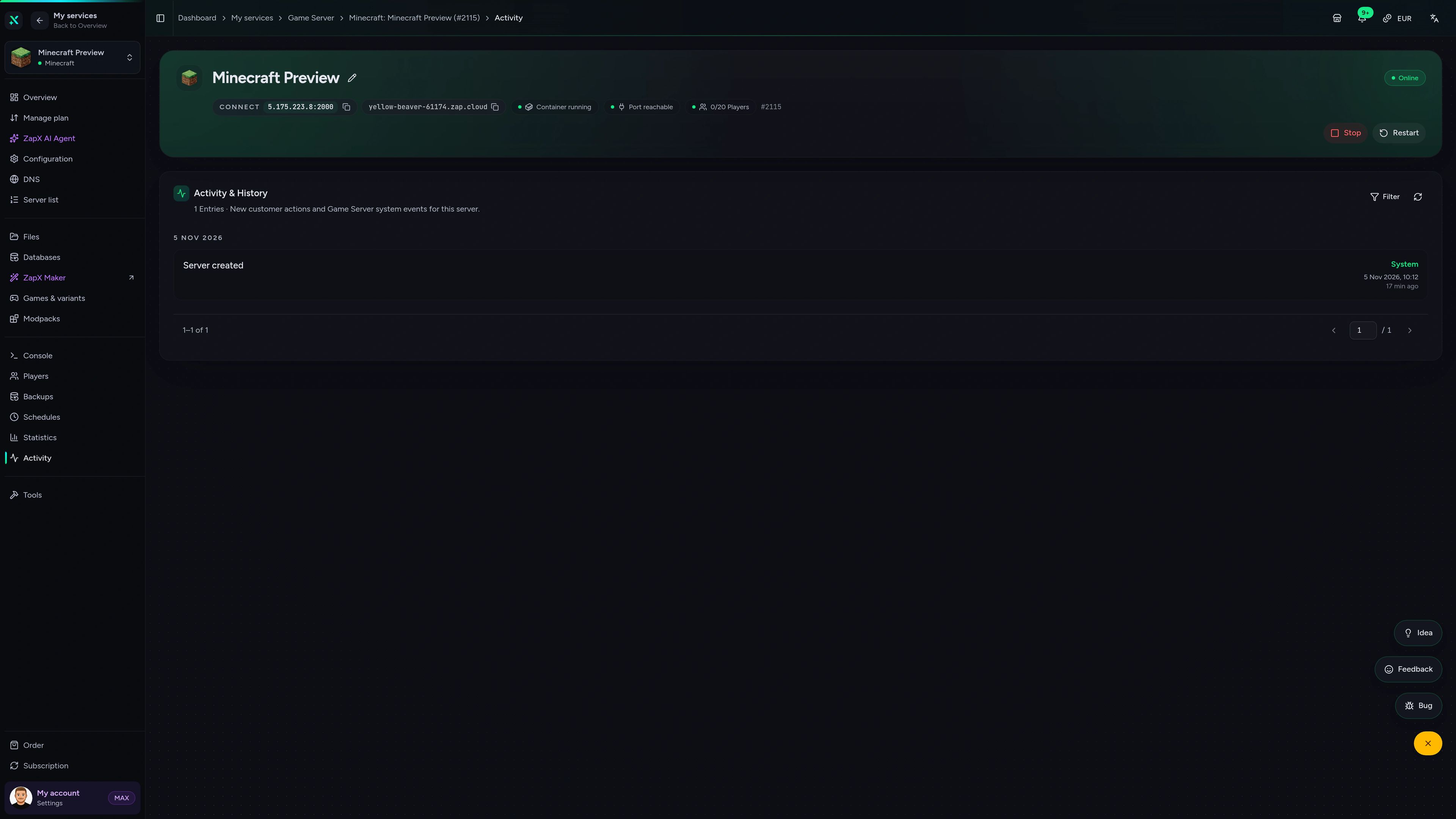
Minecraft Game Server – Activity
Activity of the Minecraft game server in the ZapX customer panel.
Connect ZAP-Hosting to Claude or ChatGPT via MCP and manage your Pokehaan Craft 2 server right in the chat.
Works with
What should I do for your server?
Ask anything …
The AI only makes changes after you approve them.
Step 1
Connect ZapX
Opens Claude with the connector already filled in. Confirm it there and sign in with your ZAP account.
Step 2
Start a chat
Opens a new chat with this text:
I want to rent a Minecraft server at ZAP-Hosting. Use the ZapX connector by ZAP-Hosting: ask me about player count, version and mods, recommend the right package with its price and then order it with me.
The text then sits in the message box – you still press send there.
Without a Pass you get status, start/stop and, except in ChatGPT, advice and ordering. Files, console and Backups come with a ZapX Pass. Your account is created when you connect.
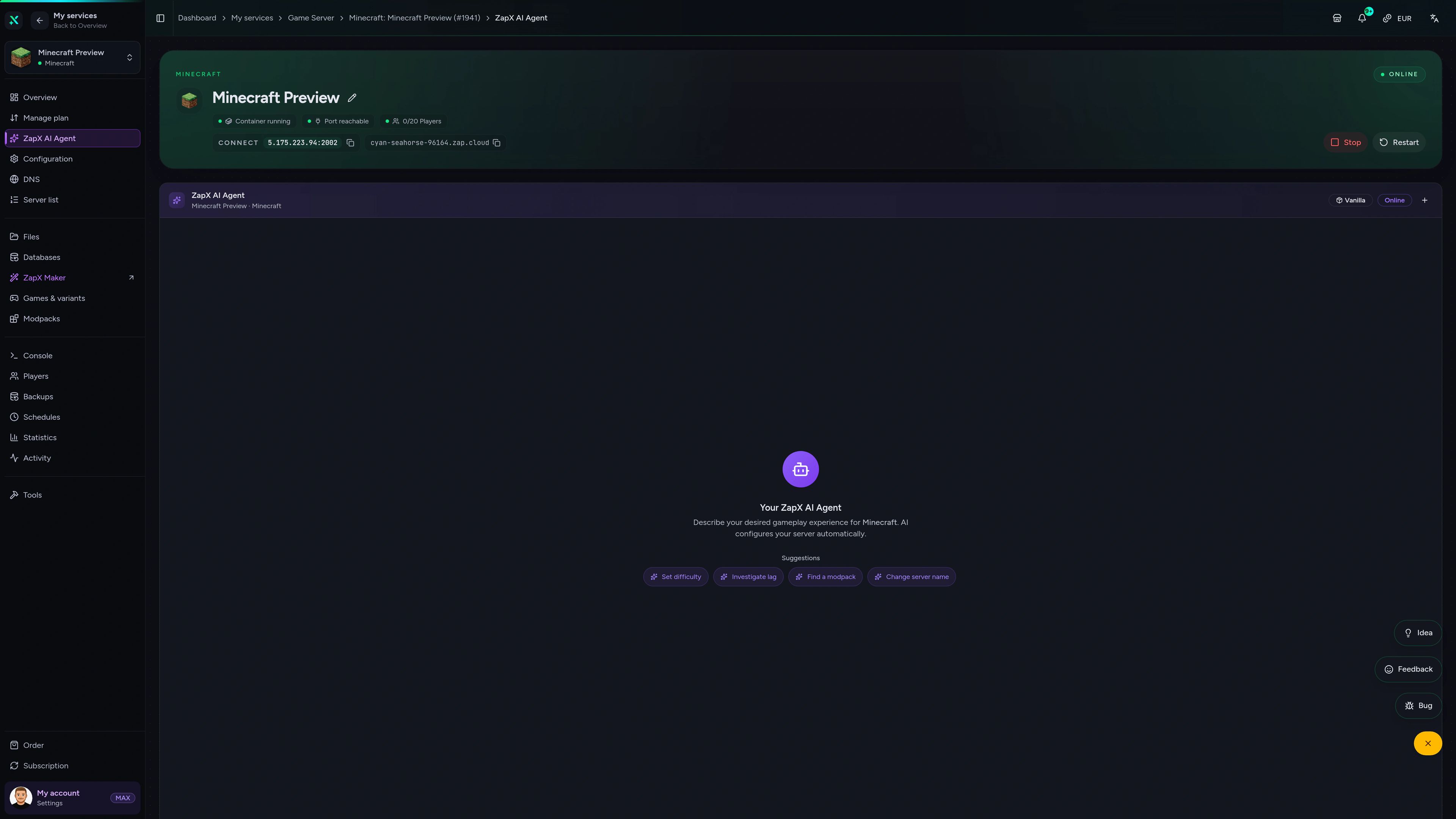
The ZapX AI Agent explains version mismatches, RAM usage, updates and world uploads for your Pokehaan Craft 2 server right in the panel, so you don't have to dig through forum threads.
The ZapX AI Agent comes with ZapX Pass. It explains things and suggests next steps in your panel, and you stay in control of every change.
See ZapX PassZapX AI Agent
panel.zap-hosting.com
Performance Signal
The benchmark compares network and server response in scenarios close to real modded gameplay, so you're not relying on a marketing promise.
High-performance VPS, CPU model depends on the location
Typical VPS plans without a published host CPU
confirmed 2026-07-01
Pokehaan Craft 2 Use Cases
Choose a private Pokémon adventure with friends, a modded world with quests or a community with battles and events. Start with the play style, then match RAM, CPU and location to your players.
Ready for your Pokémon adventure?
Your Pixelmon world, online in 60 seconds.
Mobile AppComing soon
Check whether your Pokehaan Craft 2 server is online, see who's playing and restart it from your phone, even when you're away from your PC.
Discord management
Check status, start, stop, and restart via slash command — without leaving your community Discord.
Impressionen
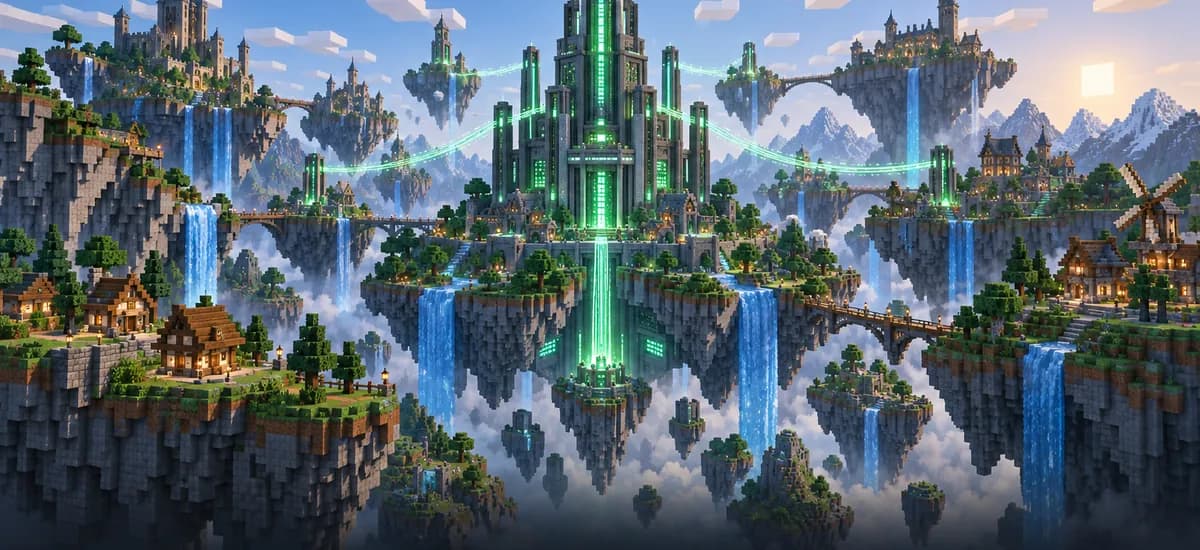
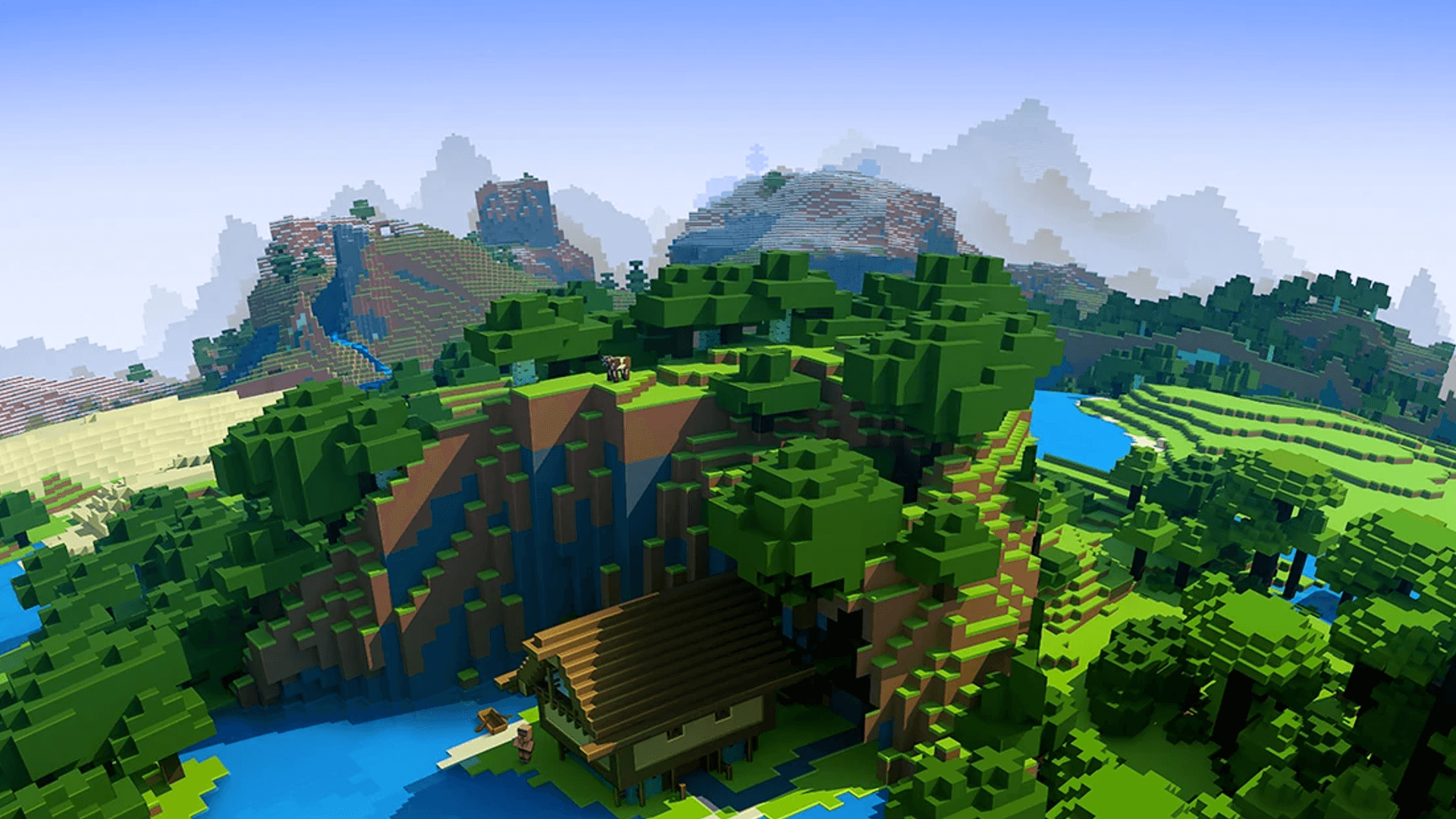
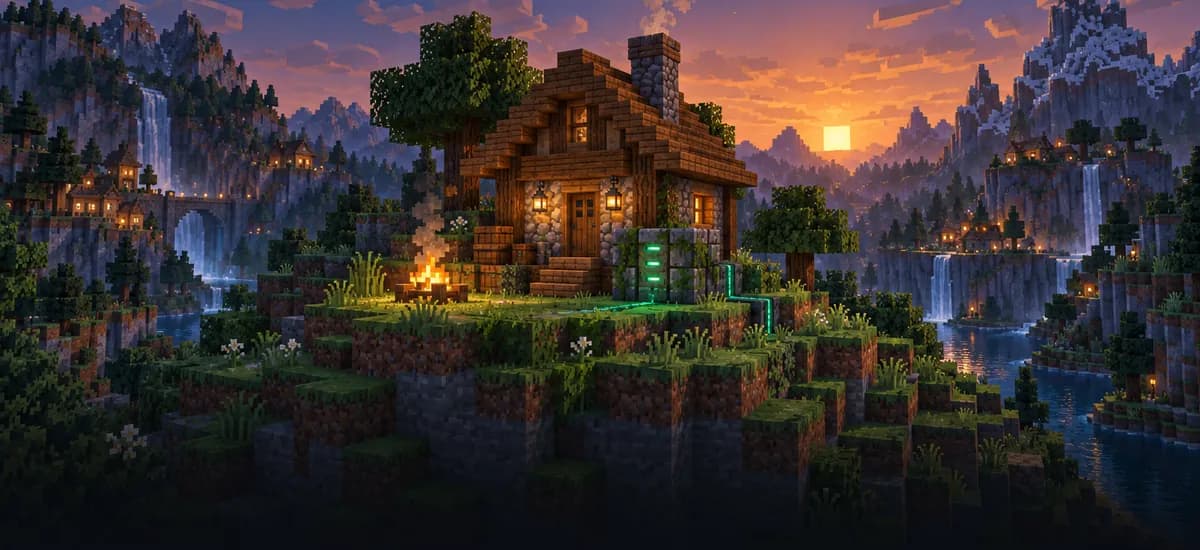
A glimpse into the game world—its atmosphere, exploration, and the moments your community will experience on the server.
34 free tools—right in your browser, no sign-up required.
Server variants
Also available
Popular Minecraft Modpacks — ATM, RLCraft, Pixelmon, and more. See prices in the configurator.

Modpack
ATM10 · Tech
Ready in ~2 min
Modpack
BMC4 · Vanilla+
Ready in ~2 min
Modpack
RLCraft · Hardcore
Ready in ~2 min
Also available
Popular Minecraft Modpacks — ATM, RLCraft, Pixelmon, and more. See prices in the configurator.
117,340
Available modpacks
Benefit
Modrinth & CurseForge packs with instant setup in the Minecraft configurator.
Choose a pack and get started in 60 seconds.
CurseForge modpack installer, unlimited slots, DDoS protection and locations worldwide. Set it up and start catching Pokémon with your crew today.
No setup. No risk. Online in seconds.