Gameserver plan
ZAP Spawn
€5.99/ 30 days
- 2 GB RAM
- 2 CPU
- 15 GB NVMe
- Unlimited Slots
You decide which services we may enable for analytics, personalization, and external content.
We use cookies and similar technologies on our website to personalize content, embed external media, and better understand how individual areas are used.
Necessary cookies
These entries support essential functions such as security, stability, and form processing.
Optional sections
Your data may be processed with your consent or on the basis of legitimate interests. In the cookie settings, you can reject or explicitly allow each optional category.
Some services process personal data in third countries. By consenting, you also agree to this transfer. You can find more information in our Privacy Policy.
You can reopen and change your selection at any time. · 1.0.2
 Minecraft horror modpack hosting
Cave Horror Project · Cave Horror Project 1 preinstalled, unlimited slots, DDoS protection and worldwide locations to survive the dark with friends.
Packages 1–3 of 9
 minecraft
Configure yourself
No package fits? Choose your RAM, CPU and storage—you only pay for the performance your community actually needs.
Powerful CPUs
100 Gbit/s host network
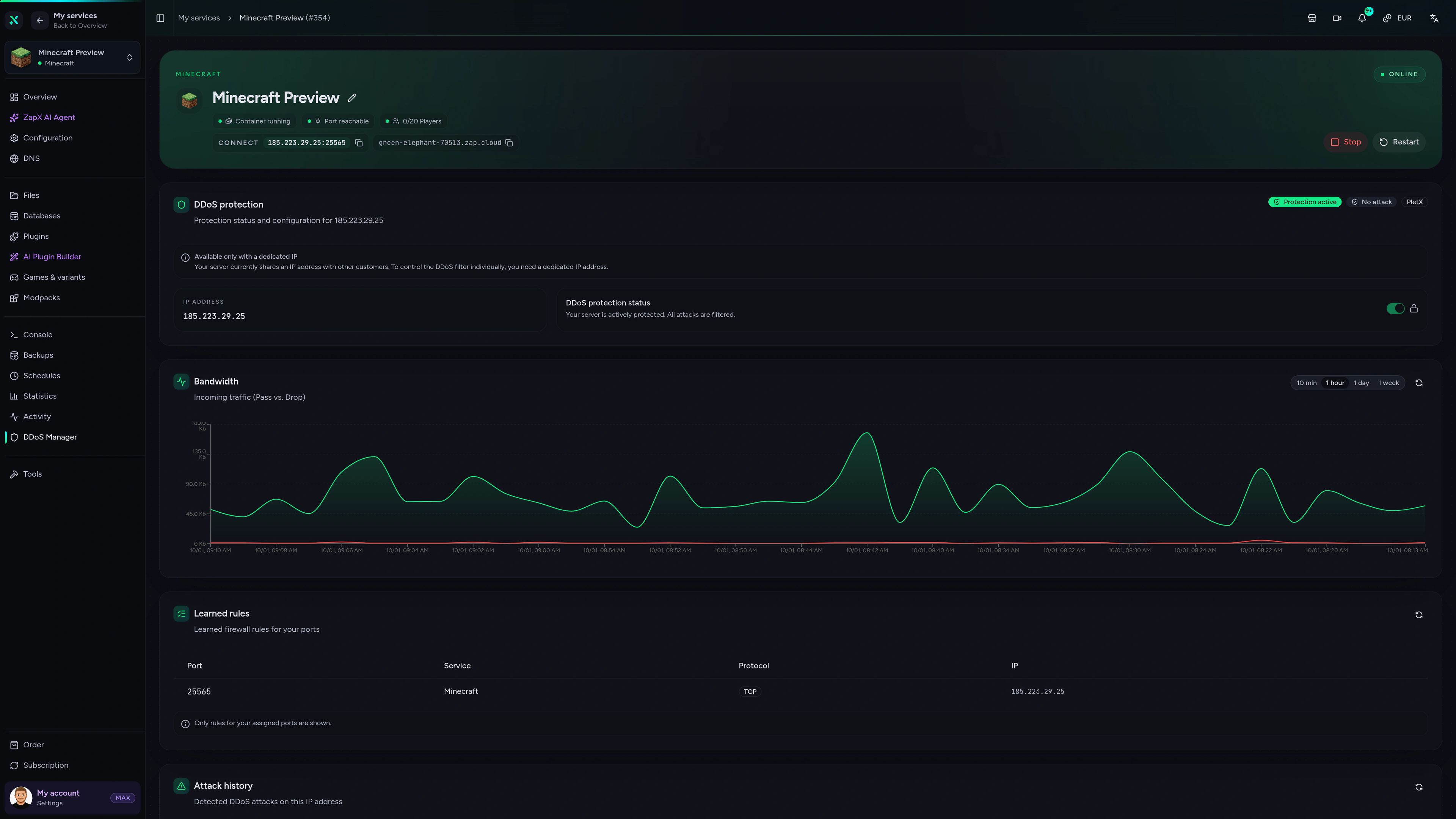
DDoS protection
Modpack preinstalled
Cancel anytime
 Visa
 Mastercard
 American Express
 PayPal
 Google Pay
 Apple Pay
 Klarna
 Amazon Pay
About the modpack
Cave Horror Project 1 – Best Horror Modpack with Quests! turns Minecraft Java Edition into a survival horror experience: pitch-black caves, unsettling creatures and nights you would rather not spend outside. Quests give your run a clear path, while every trip underground becomes a test of nerves. The pack hits hardest in multiplayer, when your friends hear the same sounds in the dark, and that is what your own server is for: one shared world that stays online even when your PC is off.
Your Cave Horror Project server comes with the modpack set up automatically when you order, so there is no server pack to download or upload. Friends join with the same modpack version in their CurseForge or Modrinth launcher, unlimited slots let the whole group in, and you choose a location close to your players from our sites worldwide. Extra mods, Backups and player permissions are handled in the panel, so your nights go into surviving instead of configuring.
Locations worldwide
8 data centers worldwide — choose the location closest to your community.


Panel
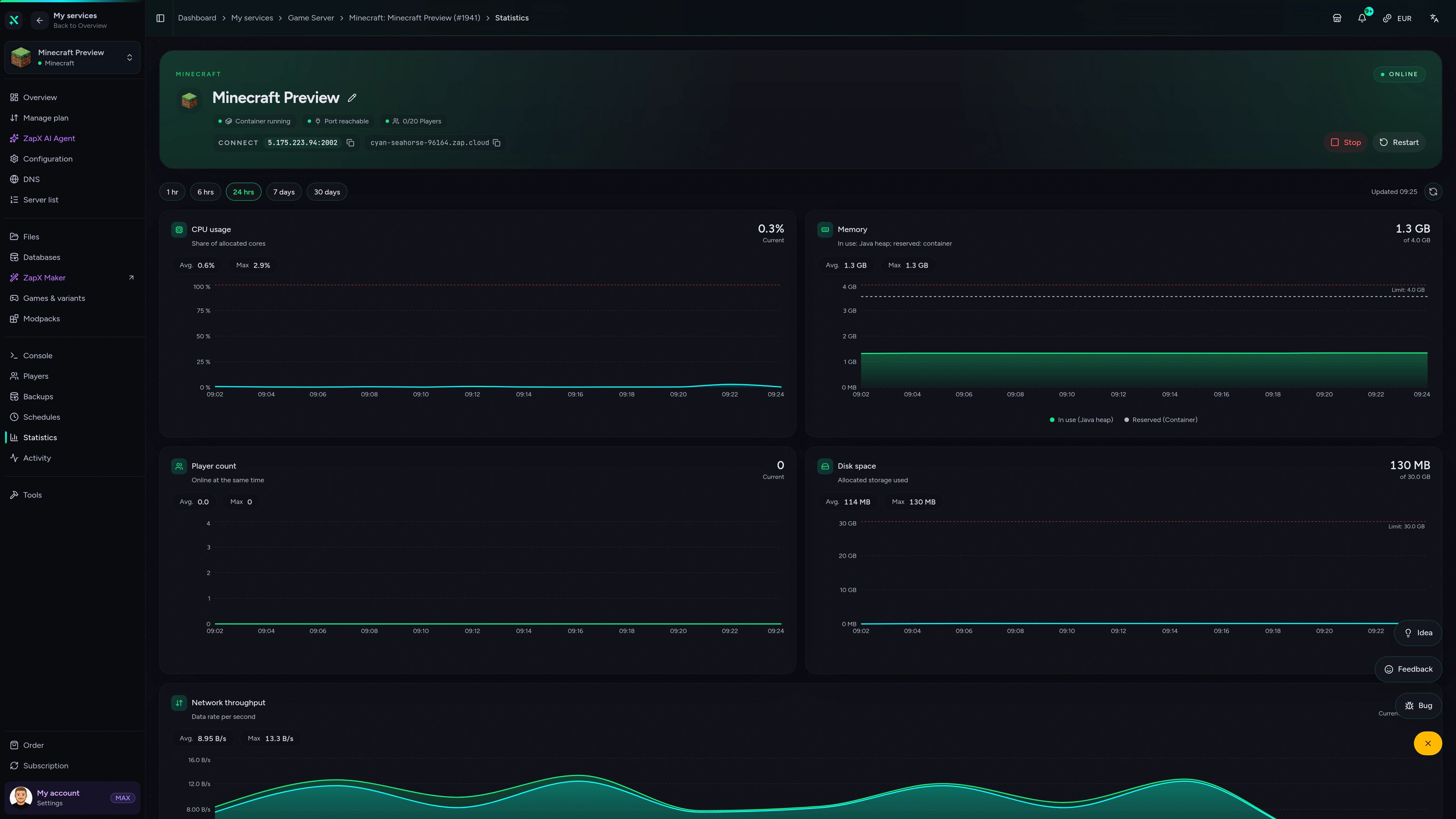
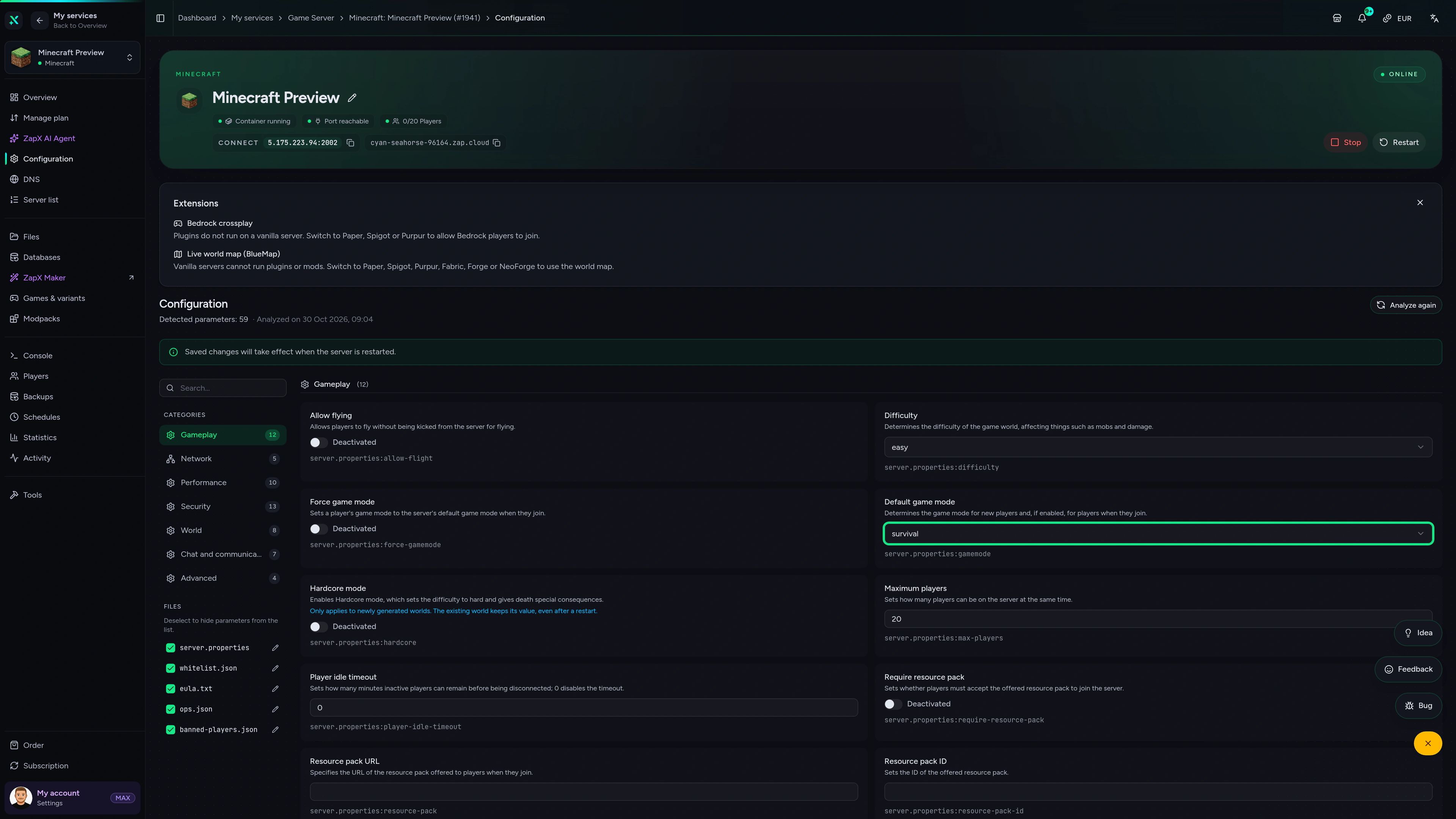
Backups, live statistics and the DDoS manager for your Cave Horror Project server, all in one ZapX panel.
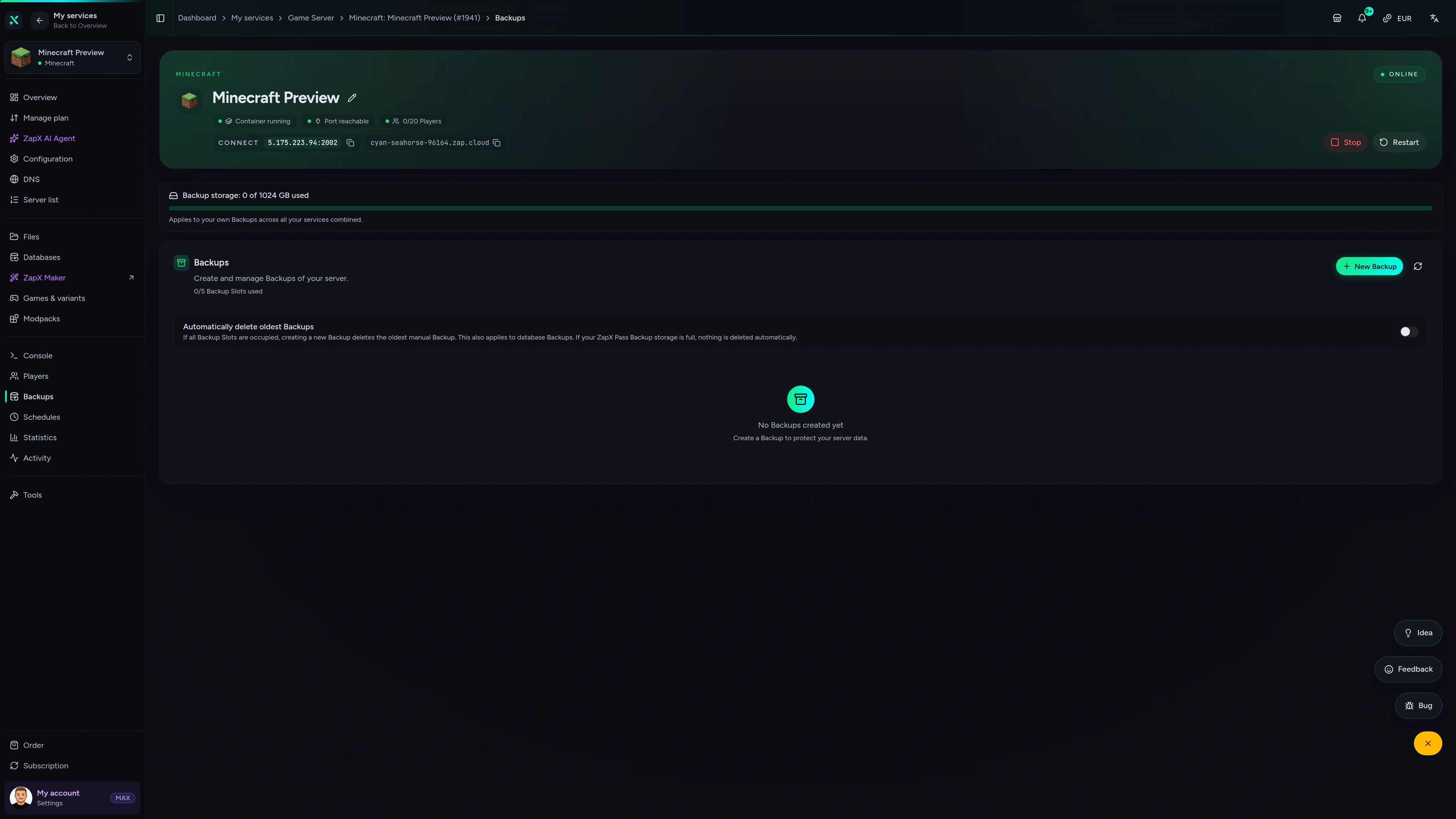
Minecraft Game Server – Backups
Backups of the Minecraft game server in the ZapX customer panel.
Benchmark
Measured values for our Minecraft game servers next to what typical modpack hosts advertise, so you can compare before you rent.
High-performance VPS, CPU model depends on the location
Typical VPS plans without a published host CPU
confirmed 2026-07-01
Use cases
Whether it's a co-op night run, a pack with extra mods or a horror event for your community, your server adapts to how your group plays.
Ready for the first night?
Gather your group and face the dark together
Impressionen
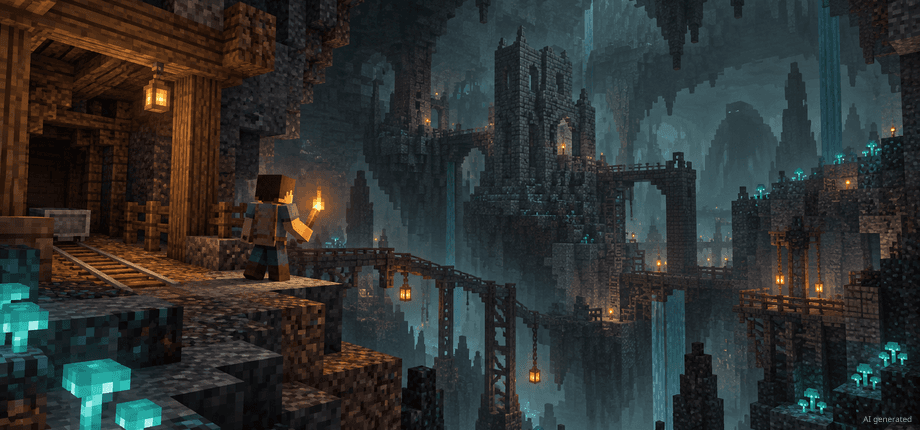
A glimpse into the game world—its atmosphere, exploration, and the moments your community will experience on the server.
Pick your package, let the modpack install itself and invite your friends in. Your Cave Horror Project server is online within 60 seconds.
No setup. No risk. Online in seconds.
Features
From automatic modpack setup to Backups and a live console: the essentials for running Cave Horror Project 1 with your friends.
Your horror pack is set up when you order, with no server pack to download or upload.
Bring your whole group into the dark; packages scale by RAM, not by slots.
Order now and your server is online in 60 seconds.
See how your modded world uses resources and spot load before it becomes a problem.
Roll your world back with the ZapX Pass when a run underground goes horribly wrong.
Continue your Cave Horror Project run by uploading your current world.
Only for Minecraft
Try other modpacks, look after your players and have ZapX Maker build your own mods straight from the panel.


Minecraft
Try another pack from Modrinth, CurseForge, Feed the Beast or Technic in one click.
Kick, ban, op or whitelist players in the panel instead of typing console commands.
Describe a mod in plain language and ZapX Maker builds and deploys it with ZapX Pass.
Reviews
Real feedback on support and setup.
FAQ
Answers to the most important questions before you start.
No server pack download needed
Choose a package and complete your order. The Cave Horror Project 1 modpack is installed automatically during setup, and your server is usually online within 60 seconds. Then share the IP and port from the panel with your friends.
It depends on your group size and how much of the world you explore. Modded packs like Cave Horror Project need noticeably more RAM than vanilla Minecraft, so small groups usually start with a mid-range package and larger groups pick more RAM. You can watch live RAM usage in the panel. As a guideline: about 5 GB for 2 players, 8 GB for around 10 players. Cave Horror Project runs on Minecraft 1.20.1 with Forge.
Every package comes with unlimited player slots. How many people can play smoothly depends on the RAM and CPU you choose, so size your package to your group instead of a slot number.
This server comes with Cave Horror Project 1 – Best Horror Modpack with Quests!, which guides your group through the horror with quests. Cave Horror Project 2 is a separate modpack with its own server page. Pick the pack your group wants to play and make sure everyone uses the same one in their launcher.
No. The modpack is installed automatically when you order, so you don't have to download, unpack or upload a server pack yourself. If you want to add extra mods later, upload them via the file manager in the panel. How mods and modpacks work
We run locations worldwide. Pick the one closest to most of your players, as that keeps latency low for your group. Many North American groups start with Ashburn, Dallas or Los Angeles; if your friends are spread across regions, choose a location in between.
Yes. You can cancel anytime in your account, and the cancellation takes effect at the end of your current term. Terms are flexible, from 3 days up to 365 days, so you can match the term to your plans.
Yes. Each player needs Minecraft Java Edition and the same Cave Horror Project 1 version as the server, installed through the CurseForge or Modrinth launcher. Then they add your server with the IP and port shown in the panel and join. Connecting to your server
Any more questions?
Contact SupportThe ZapX AI Agent knows your Minecraft server's context and explains join problems, crash logs and RAM usage for your modpack, right in the panel instead of in forum threads.
The ZapX AI Agent is part of ZapX Pass and applies account-wide to all supported services.
See ZapX PassZapX AI Agent
panel.zap-hosting.com
ZapX appComing soon
Restart your server, check its status and follow the console with the ZapX app, even when you are away from your PC.
Discord management
Check status, start, stop, and restart via slash command — without leaving your community Discord.
34 free tools—right in your browser, no sign-up required.
Also available
Popular Minecraft Modpacks — ATM, RLCraft, Pixelmon, and more. See prices in the configurator.
Modpack
ATM10 · Tech
Ready in ~2 min

Modpack
BMC4 · Vanilla+
Ready in ~2 min

Modpack
RLCraft · Hardcore
Ready in ~2 min
Also available
Popular Minecraft Modpacks — ATM, RLCraft, Pixelmon, and more. See prices in the configurator.
116,856
Available modpacks
Benefit
Modrinth & CurseForge packs with instant setup in the Minecraft configurator.
Choose a pack and get started in 60 seconds.
© 2026 ZAP-Hosting GmbH
 Preferred source on Google