
Gameserver plan
ZAP Spawn
€5.99/ 30 days
- 2 GB RAM
- 2 CPU
- 15 GB NVMe
- Unlimited Slots
 Minecraft modpack server
FTB Presents AbePack · Your own AbePack server with the modpack preinstalled, unlimited slots, DDoS protection and locations worldwide.
Not in the mood for dashboards? Set up with AI
Gameserver plan
Gameserver plan
Gameserver plan
Gameserver plan
Gameserver plan
Gameserver plan
Gameserver plan
Gameserver plan
Gameserver plan
Packages 1–3 of 9
 minecraft
Configure yourself
No package fits? Choose your RAM, CPU and storage—you only pay for the performance your community actually needs.
Powerful CPUs
100 Gbit/s host network
DDoS protection
AbePack preinstalled
Daily Backups
 Visa
 Mastercard
 American Express
 PayPal
 Google Pay
 Apple Pay
 Klarna
 Amazon Pay
About the modpack
FTB Presents AbePack is a kitchen-sink Minecraft modpack from Feed The Beast, created with streamer Abe for long-play sessions with friends. It puts a wide mix of mods and play styles into one world that keeps growing over weeks of building, exploring and automating. With your own AbePack server, that world stays online for the whole group, not just while one player's PC is running.
You choose the RAM and CPU your group needs, and the modpack is set up automatically with your order. Invite as many friends as your package can handle, pick the location closest to your players, bring over a world you started at home and fall back on daily Backups when an experiment in someone's base goes wrong.
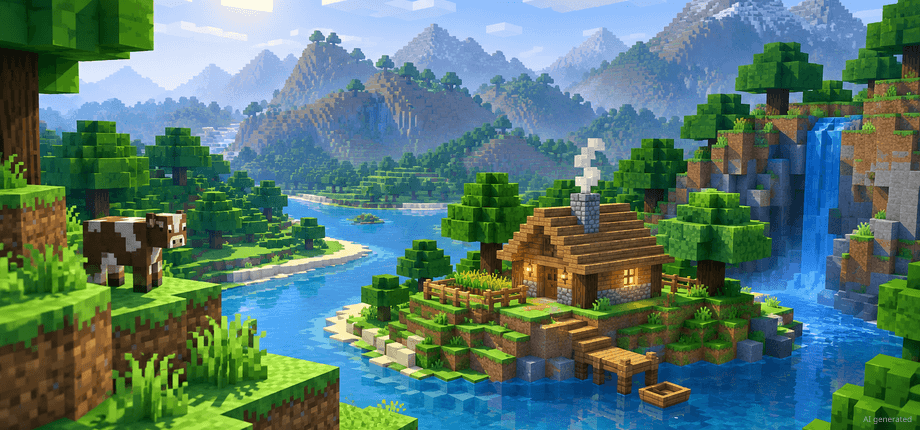
Locations worldwide
8 data centers worldwide — choose the location closest to your community.


ZapX Panel
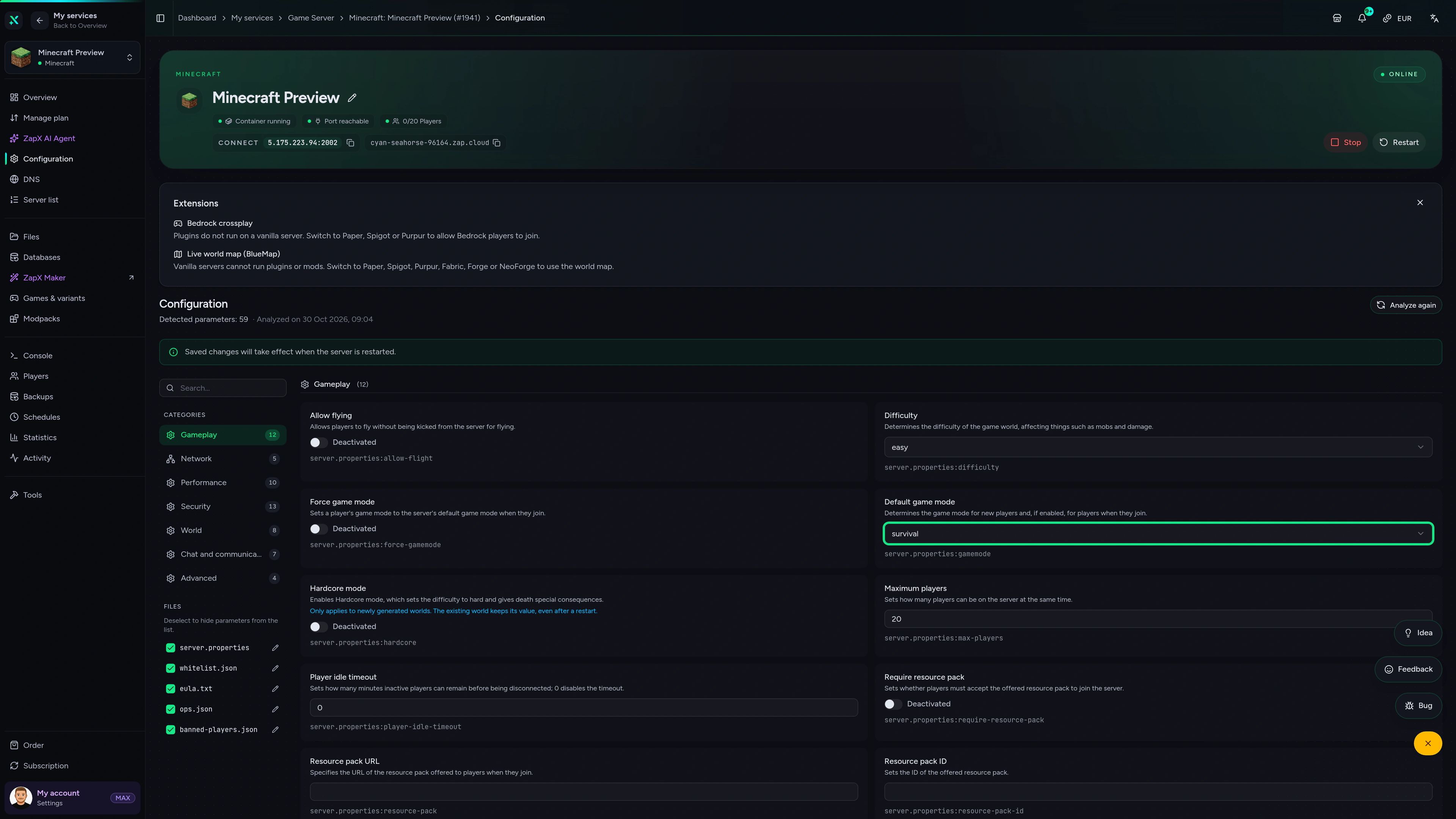
Backups, live statistics, configs and the DDoS Manager for your AbePack server, all in one place.
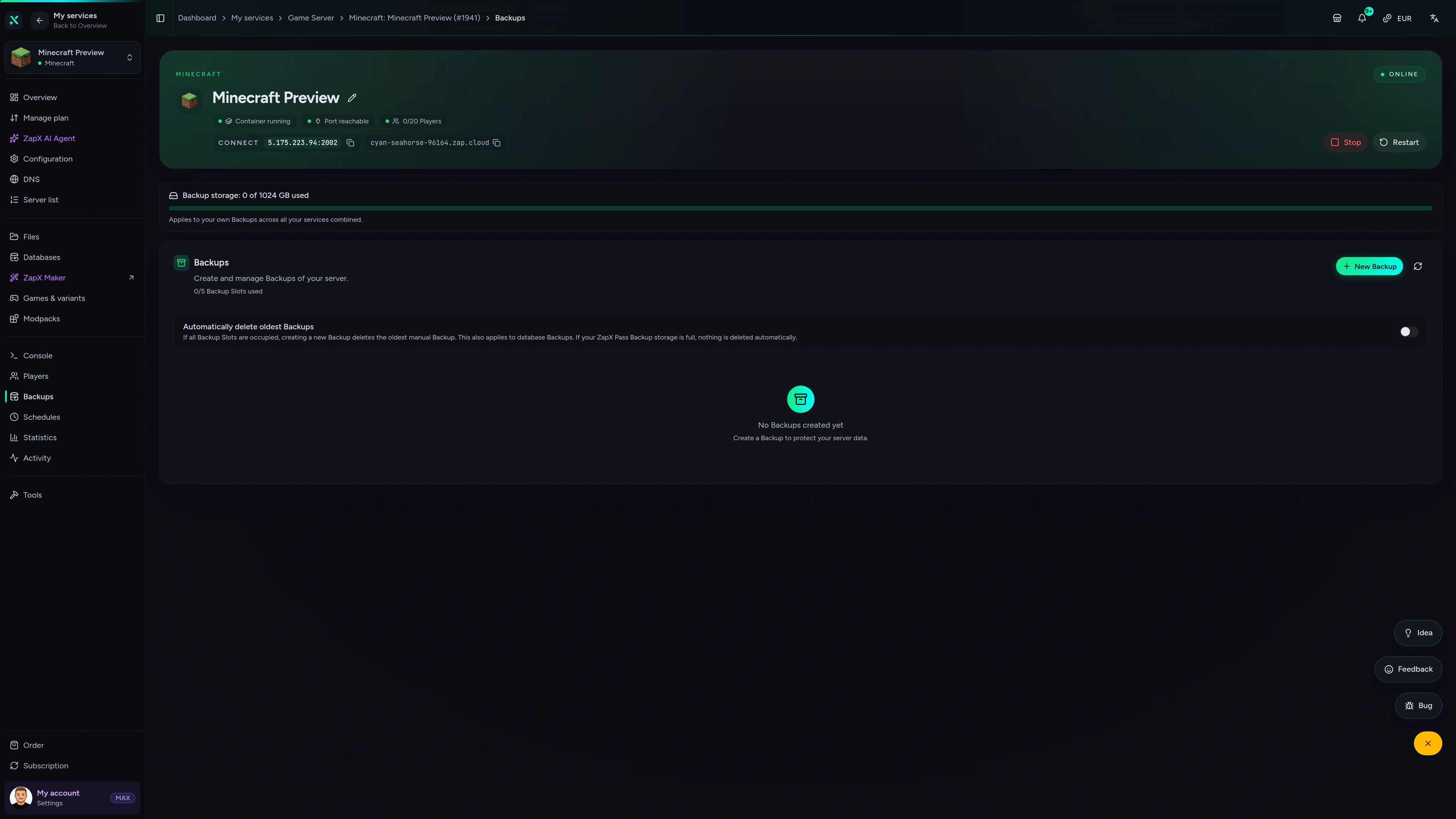
Minecraft Game Server – Backups
Backups of the Minecraft game server in the ZapX customer panel.
Performance
Measured values from our infrastructure next to typical modpack hosts, so you know what to expect when your world gets busy.
High-performance VPS, CPU model depends on the location
Typical VPS plans without a published host CPU
confirmed 2026-07-01
Use cases
From friend-group SMPs to long co-op runs: one persistent AbePack world, unlimited slots and RAM sized for your group.
Ready for AbePack?
Start your AbePack world with friends today.
Impressionen
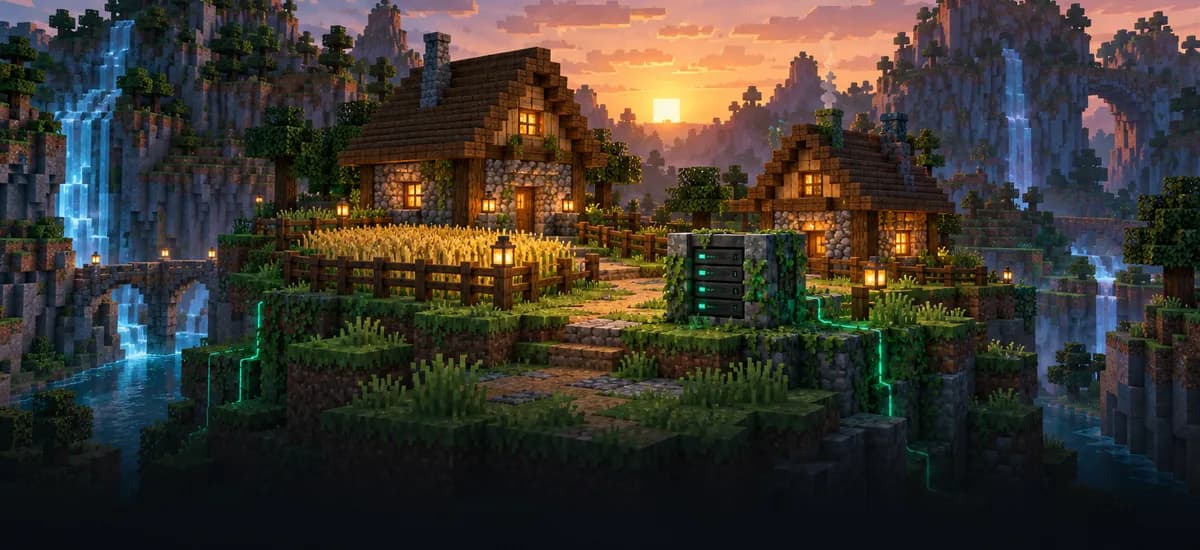
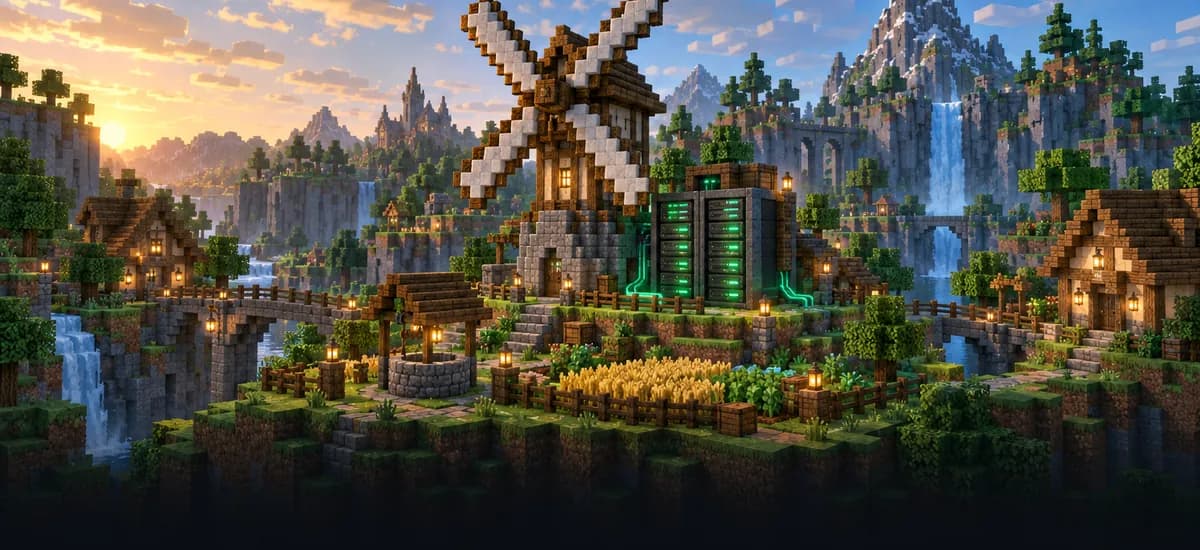
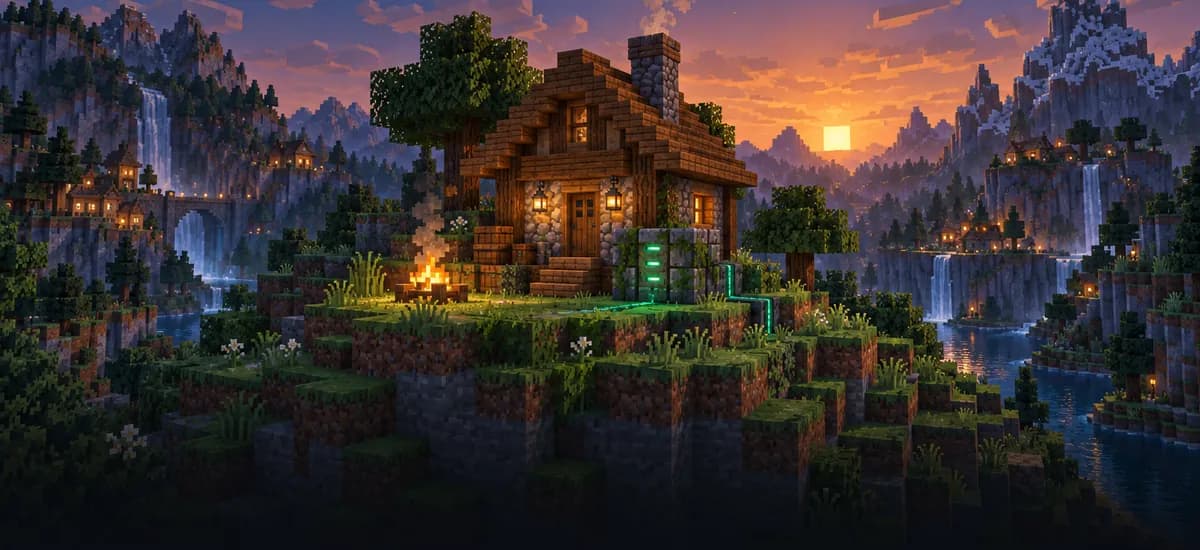
A glimpse into the game world—its atmosphere, exploration, and the moments your community will experience on the server.
More modpacks
Prefer another Feed The Beast pack? Every modpack server comes with unlimited slots, daily Backups and the same panel.
Pick your package, get FTB Presents AbePack set up automatically and invite your friends to one shared modded world.
No setup. No risk. Online in seconds.
Features
From automatic modpack setup to daily Backups: the tools a long-play modded world with friends actually needs.
Your server starts with AbePack ready to go, no manual mod uploads needed.
Invite the whole crew: only RAM and CPU set the limit, never a slot count.
Big bases and busy automation keep running smoothly on powerful server CPUs.
Roll back with ZapX Pass after a machine mishap or a wrecked base using the included daily automatic Backups.
Keep playing the AbePack world you started at home on your new server.
Add RAM from the panel when your world, automation and group get bigger.
Only for Minecraft
Explore other modpacks, manage your player list and let ZapX Maker build your own mods from the panel.


Minecraft
Install another pack from the catalog in one click through your Modpacks tab.
Choose who can join through your panel's whitelist without typing console commands.
Describe your mod and ZapX Maker (ZapX Pass) builds and deploys it to your server.
Reviews
Real feedback on support and setup.
FAQ
Answers to the most important questions before you start.
Minecraft servers at ZAP-Hosting currently start at €5.99 per month. What you pay for AbePack depends on the RAM and CPU package, the term and the location you choose; the package section shows live prices. Slots are always unlimited, so you never pay extra per player, and you can cancel anytime.
AbePack is a large kitchen-sink pack, so it needs noticeably more RAM than vanilla Minecraft. As a rule of thumb, size your package by group size and how much automation you plan. Since slots are unlimited, RAM and CPU are the only things you choose. As a guideline: about 6 GB for 2 players, 10 GB for around 10 players. FTB Presents AbePack runs on Minecraft 1.19.2 with Forge.
There's nothing to install by hand: when you order from this page, FTB Presents AbePack is set up automatically with its latest release and a matching server type. Once setup is finished, start the server in the panel and connect. If you want to try another modpack later, the Help Center explains how. Installing mods and modpacks
As many as your server can handle: every ZAP-Hosting game server comes with unlimited player slots. The practical limit is the RAM and CPU of your package, because every player loads chunks, machines and farms. If the world starts to feel sluggish, more RAM gives your group more headroom.
Yes. You can increase RAM from the panel whenever your world needs it, and your AbePack world stays where it is. This is handy when a long-play world grows with big bases, more automation and new players.
Yes. If you've been playing AbePack at home or through the FTB App, upload your world folder to the server and set it as the active world. Make sure the server runs the same AbePack version as your world so no blocks or items go missing. Add your own world
Each player installs FTB Presents AbePack in the FTB App, using exactly the same pack version as your server. Then they add your server in the multiplayer menu with the IP and port shown in your panel and join. Mismatched pack versions are the most common reason a join fails. Connecting to your server
ZAP-Hosting has locations worldwide, so pick the one closest to most of your players. Many groups in North America start with Ashburn, Dallas or Los Angeles, while groups elsewhere choose the data center nearest to them. A nearby location keeps the ping low for everyone.
Any more questions?
Contact SupportAdd ZAP-Hosting as a remote MCP server in Claude, ChatGPT, Cursor or Gemini. Then you can restart your FTB Presents AbePack server through chat, read the console, send commands, edit configs or create Backups. You decide what permissions the connection has.
Works with
What should I do for your server?
Ask anything …
The AI only makes changes after you approve them.
Connect ZapX to your AI client. The AI advises you, orders your server and manages it for you afterwards – you just confirm.
Step 1
Connect ZapX
Opens Claude with the connector already filled in. Confirm it there and sign in with your ZAP account.
Ordering right inside Claude follows once ZapX is approved in Claude's connector directory. Until then Claude advises you and sends you the link to the right package.
Step 2
Start a chat
Opens a new chat with this text:
I want to rent a Minecraft server at ZAP-Hosting. Use the ZapX connector by ZAP-Hosting: ask me about player count, version and mods, recommend the right package with its price and then order it with me.
The text then sits in the message box – you still press send there.
No account yet? When connecting you sign in with your email, and your account is ready right away.
Advice, ordering, status checks and starting or stopping servers work without a ZapX Pass. For files, console, backups and more you need a Pass – the AI tells you which one.
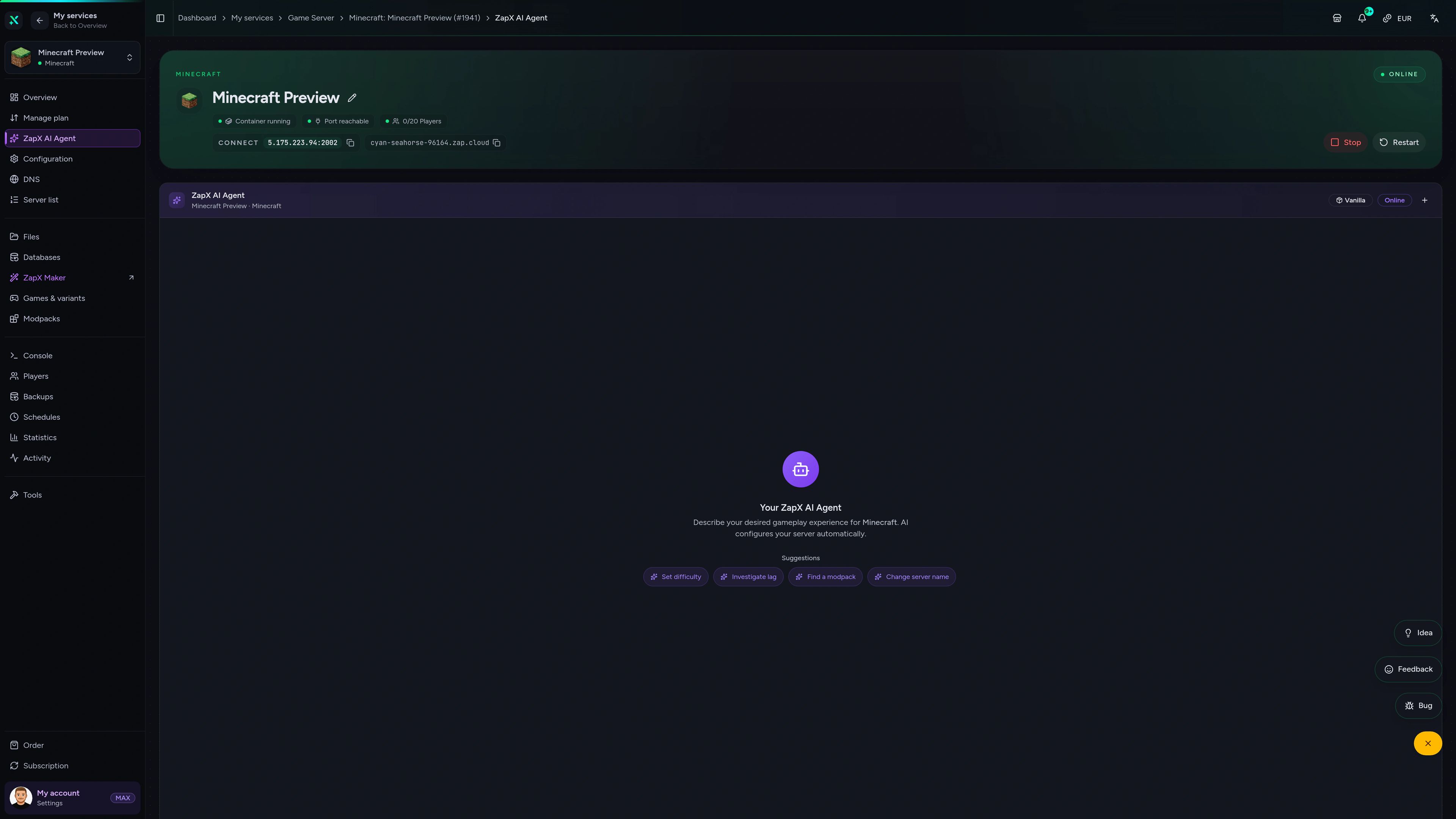
The ZapX AI Agent explains crash logs, version mismatches and Backup planning for your AbePack server and suggests safe next steps you can take.
The ZapX AI Agent is part of ZapX Pass and gives advice; you stay in control of every change on your server.
View ZapX PassZapX AI Agent
panel.zap-hosting.com
ZapX appComing soon
Keep an eye on your AbePack server wherever you are and react quickly when your group needs a restart.
Discord management
Check status, start, stop, and restart via slash command — without leaving your community Discord.
34 free tools—right in your browser, no sign-up required.
Also available
Popular Minecraft Modpacks — ATM, RLCraft, Pixelmon, and more. See prices in the configurator.
Modpack
ATM10 · Tech
Ready in ~2 min
Modpack
BMC4 · Vanilla+
Ready in ~2 min

Modpack
RLCraft · Hardcore
Ready in ~2 min
Also available
Popular Minecraft Modpacks — ATM, RLCraft, Pixelmon, and more. See prices in the configurator.
117,223
Available modpacks
Benefit
Modrinth & CurseForge packs with instant setup in the Minecraft configurator.
Choose a pack and get started in 60 seconds.
© 2026 ZAP-Hosting GmbH
 Preferred source on Google