

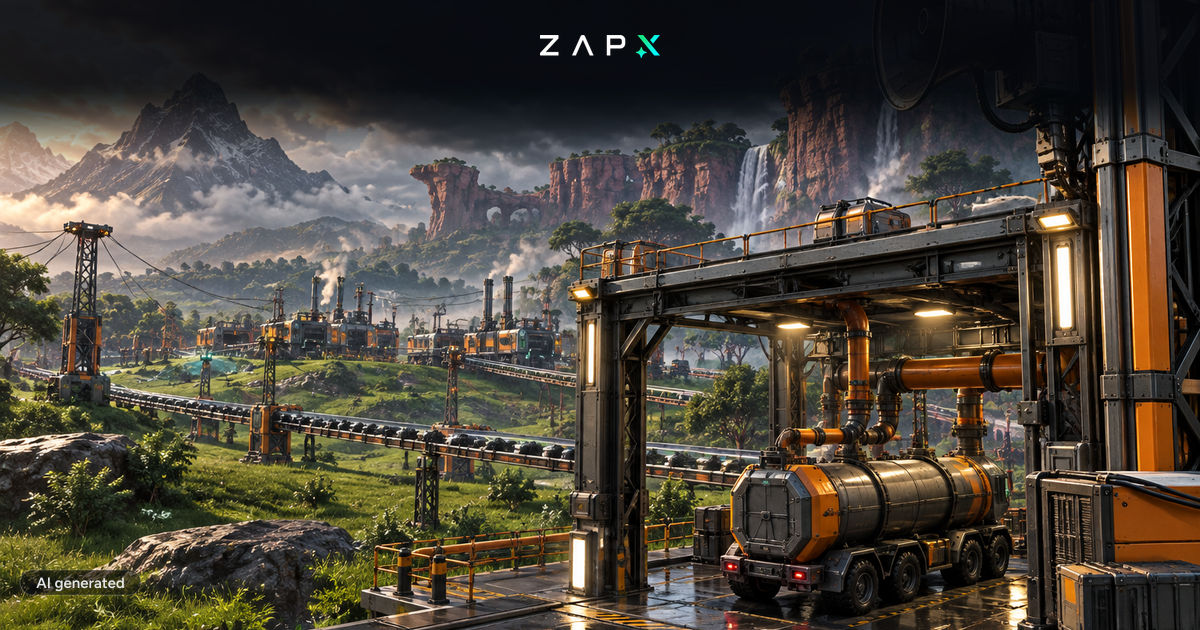
Weather, fluid trucks, game modes and Unreal Engine 5.6: here is what Update 1.2 brought – and what the new patch changes for your server.
Update 1.2 for Satisfactory has been on the stable branch since 2 June 2026 – the first update to launch on PC, PlayStation 5 and Xbox Series X|S at the same time. On 12 October, Coffee Stain Studios followed up with patch v1.2.4.1. Above all, the patch fixes a problem many modding Pioneers ran into over the past weeks: audio mods had stopped working since the previous patch.
- Audio mods work again: Coffee Stain re-enabled audio routing, so Metasound works by default again. According to the patch notes, this should fix audio-related mods that had stopped working since the last patch. The studio also said it will not disable Metasound again, as many mods rely on it.
- Engine.ini restored: the file is back to its original state to prevent issues with versions created in the previous patch.
- Dedicated server crash fixed: the server no longer crashes when you place a Conveyor Throughput Monitor on a conveyor belt.
- More fixes: signs in the world are no longer cleared when loading a save, plus fixes for an audio freeze on consoles and a crash when quitting the game.
- Weather: rain is back – with wind, fog, thunderstorms and wetness effects. Buildings shelter you from the rain, and presets and world settings let you decide how changeable your world gets.
- Unreal Engine 5.6: the engine upgrade brings performance improvements.
- Fluid Station and Fluid Truck: fluids can now be moved by truck, with 3,200 m³ of storage each (unlocked in Tier 5).
- New vehicle automation: vehicle path recording was rebuilt from scratch. Existing routes keep working as before.
- Game modes: "Advanced Game Settings" is now called "Creative Mode". New game modes add cost multipliers, randomized resource nodes and a world seed – and achievements stay enabled.
- Controller: automatic switching between controller and mouse/keyboard, plus fully rebindable controller buttons.
- Quality of life: a real pause menu in single player, selfie mode in photo mode, power daisy chaining, a pipeline T-junction and more building parts.
The Satisfactory Dedicated Server was updated to 1.2.4.1 on the same day as the game. To make sure your friends can join without trouble, server and game should run the same version. At ZAP-Hosting you do not have to take care of that yourself: Satisfactory servers get their files via Steam and are updated automatically. When an update is available, you will see a notice in the web interface when you log in.
- Saves: saves from version 1.1 can be loaded and continued in 1.2.
- Admin access: patch 1.2.4.0 already fixed server admins repeatedly losing access and having to re-authenticate.
- Choose game modes carefully: once set, game mode options cannot be turned off for that save and also apply in multiplayer – so agree on them before you start.
- Playing with mods? The Satisfactory Mod Loader (SML) supports version 1.2. Important: mods that also have to run on the server should be installed in the same version on the server and on all clients. Otherwise the game blocks the join.
Whether you try a new game mode, start a fresh world with a world seed or expand your existing factory with fluid trucks: with your own Satisfactory server from ZAP-Hosting, your factory keeps running around the clock – even when nobody is online. Everything is configured conveniently in the web interface, including DDoS protection and SSD performance.
Rent a Satisfactory server now
The factory must grow – now even in the rain. ⚙️
 Preferred source on Google









