
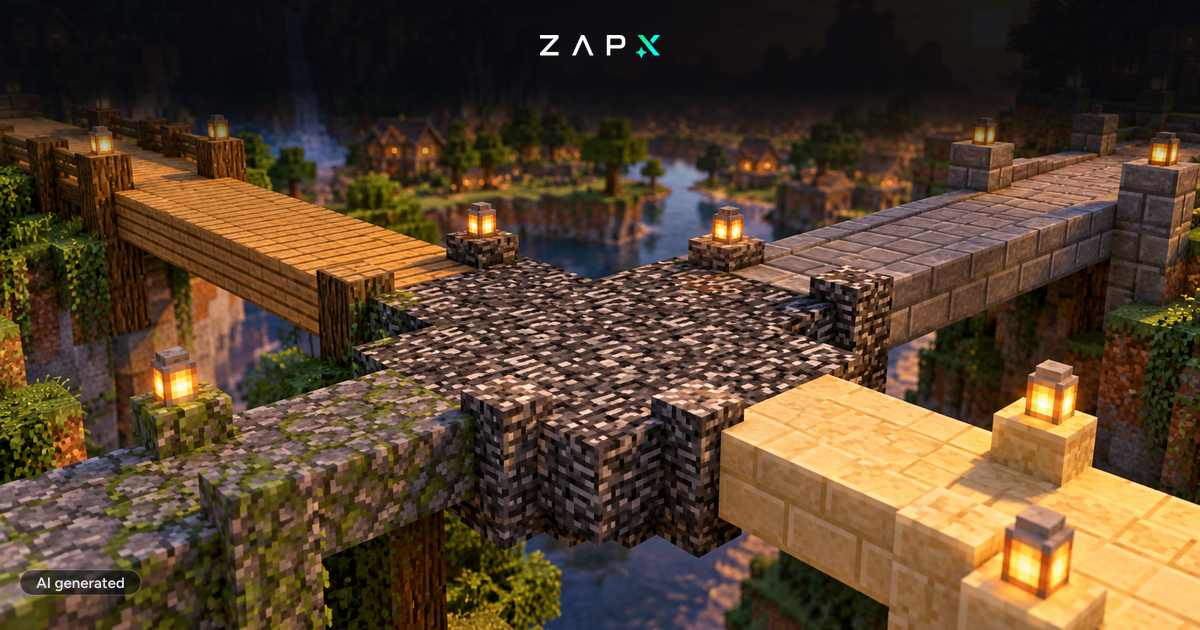
With the new Bedrock update you can play Minecraft on the PS4 on your own server . The new Bedrock version 1.14 for Minecraft finally adds crossplay for the PS4 besides the new bee content. This allows you to connect to Bedrock servers with the latest version of Minecraft on the PS4 and play on that server. Version 1.14 of Bedrock is already integrated in our systems and all new servers are automatically setup with the latest version . Get a Minecraft Bedrock server and you can immediately play with your PS4, Xbox, mobile phone or PC on your server.
Rent a Minecraft: Bedrock server
Minecraft 1.15 "Buzzy Bees" has been published and adds new content about bees to Minecraft. This includes:
- Beehives and nests
- Honeycomb and honey blocks
- Honey bottles, honeycombs and bee eggs
- and of course bees
We have integrated Minecraft 1.15 into our system and you can install the new version for Minecraft Vanilla directly on your server. If you open your Minecraft Vanilla server in Web Interface, you will get the option to directly install 1.15. Using the Version Manager you can also install the new version at any time: In Web Interface select your server, click on "Versions" and then you can change the game version at any time via the orange button "Change game version". Currently Minecraft 1.15 is available for Minecraft Vanilla and for Spigot If you have a Minecraft server and want to try out 1.15, you can do so anytime at no extra cost thanks to our Gameserver cloud . To change a game, select "Games" on your server and then under "Available Games" select the Minecraft modpack you want (in this case Minecraft: Vanilla) and click on the green download button. The selected game will be installed on your server and you can switch between games on your server at any time.
Besides new Minecraft versions we have also added the server files for Day of Dragons . Day of Dragons is a survival game in which you start with a newly hatched dragon who wants to survive in a dangerous world. The servers for Day of Dragons will be set up immediately after ordering and you can start right away.
And last but not least we have extended our DDoS protection. Instead of the DDoS protection of Voxility we now use the protection of a new DDoS protection partner. The new protection is significantly more reliable and guarantees you a really good ping and an even better DDoS protection! It is in use since Sunday and has already successfully fended off the 3rd biggest DDos attack on ZAP without any problems.

 Preferred source on Google









