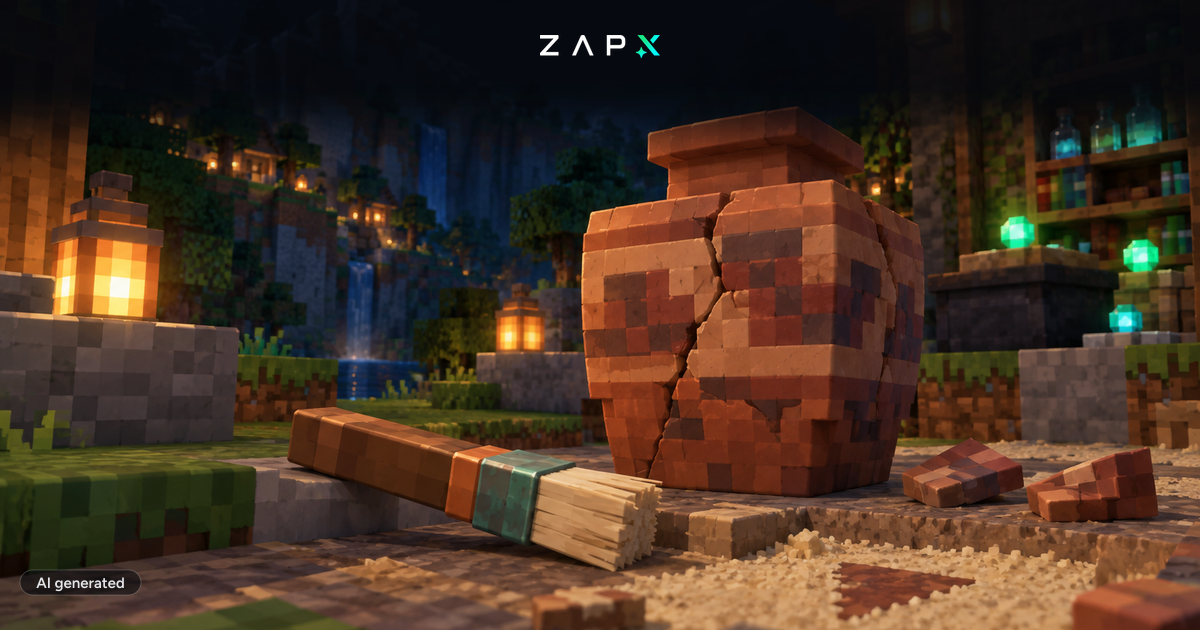
Minecraft 1.20, Trails & Tales, was released today, and we have of course already applied the update to our Minecraft servers! For now, Minecraft 1.20 is only available for Vanilla and Bedrock. From experience, it can take a few days until the latest version of Minecraft is also transferred to Forge, Spigot and other modifications for Minecraft. As soon as the latest version is available, we will of course upload it to our servers. Minecraft 1.20 brings a whole host of changes, including new items, blocks and creatures, mostly related to the new archaeology feature. >If you have a Minecraft server other than Vanilla or Bedrock, you can always install an additional Minecraft server on your server for free thanks to our game switching feature and thus already test out the new update. You can find instructions here: https://zap-hosting.com/guides/docs/gameserver-gameswitch/ If you prefer to rent a new server, you can save 50% on the 1st payment of your next Minecraft Vanilla or Bedrock server with the code "TRAILS-50". Click here for our Vanilla and Bedrock servers: Minecraft server hosting Minecraft Bedrock server hosting
Minecraft 1.20 has been released!

Developer at ZAP-Hosting and our Minecraft specialist, from Vanilla and Bedrock to large modpacks.
Feedback
Was this blog post helpful?
Your feedback helps us prioritize and improve blog articles.
From category
More about News
More posts on the same topic—curated for you from our blog.

New at ZAP: manage your servers with Claude and ChatGPT
Restart, read logs, create backups, change configs: with MCP Connect you can now do it in a chat with Claude, ChatGPT, Cursor or Gemini. No MCP server of your own, OAuth sign-in, and permissions you set yourself.
Read moreIn this category
Explore more
More interesting articles
Discover the latest news, tutorials, and tips from other categories.
Connect Claude or ChatGPT to your server: setting up the ZapX MCP connector
With the ZapX MCP connector you manage game servers, VPS, dedicated servers and TeamSpeak straight from Claude, ChatGPT or Cursor. Here is the setup step by step, including permissions.
Read moreBrowse the highlights
 Preferred source on Google









