Popular
VPS plan
ZAP Core
€11.49/ 30 days
- 8 GB RAM
- 4 CPU
- 80 GB NVMe
- 1 Gbit/s Uplink
You decide which services we may enable for analytics, personalization, and external content.
We use cookies and similar technologies on our website to personalize content, embed external media, and better understand how individual areas are used.
Necessary cookies
These entries support essential functions such as security, stability, and form processing.
Optional sections
Your data may be processed with your consent or on the basis of legitimate interests. In the cookie settings, you can reject or explicitly allow each optional category.
Some services process personal data in third countries. By consenting, you also agree to this transfer. You can find more information in our Privacy Policy.
You can reopen and change your selection at any time. · 1.0.2
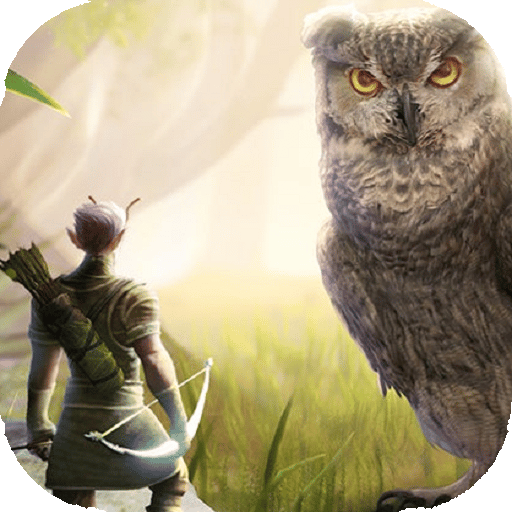
 Smalland: Survive the Wilds · Your own VPS
Keep your Smalland world online 24/7 on your VPS: one-click setup, root access, DDoS protection, locations in Europe & America.
Packages 1–3 of 8
 Your project. Your setup.
Configure yourself
No package fits? Choose your CPU, RAM and storage—you only pay for what your project actually needs.
Powerful CPUs
100 Gbit/s host network
Juniper Firewall
DDoS protection
 Visa
 Mastercard
 American Express
 PayPal
 Google Pay
 Apple Pay
 Klarna
 Amazon Pay
Smalland on your own VPS
A Smalland VPS keeps your tiny world online 24/7, even when every PC in your group is switched off. It is your own KVM virtual server with full root access, and our Gameserver Installer sets up the official Smalland dedicated server on it with one click.
Your friends can connect without anyone changing settings on a home router. The VPS has its own public IP and DDoS protection, so you only open the game ports in the VPS firewall. With crossplay, console friends on Xbox Series X|S and PS5 can join the same server.
You keep full control. World saves, config files and extra tools like a Discord bot all live on the same machine, and a daily automatic system Backup is included.
Why a VPS for Smalland
Root access, one-click setup through the Gameserver Installer and resources you choose yourself: the features that matter when your Smalland server runs on your own VPS.
Your group starts playing sooner: once the VPS is ready, the Gameserver Installer sets up the Smalland server with one click. No manual install.
You size the server for your world instead of buying a slot tier. vCores, RAM and NVMe storage keep large bases and busy evenings responsive.
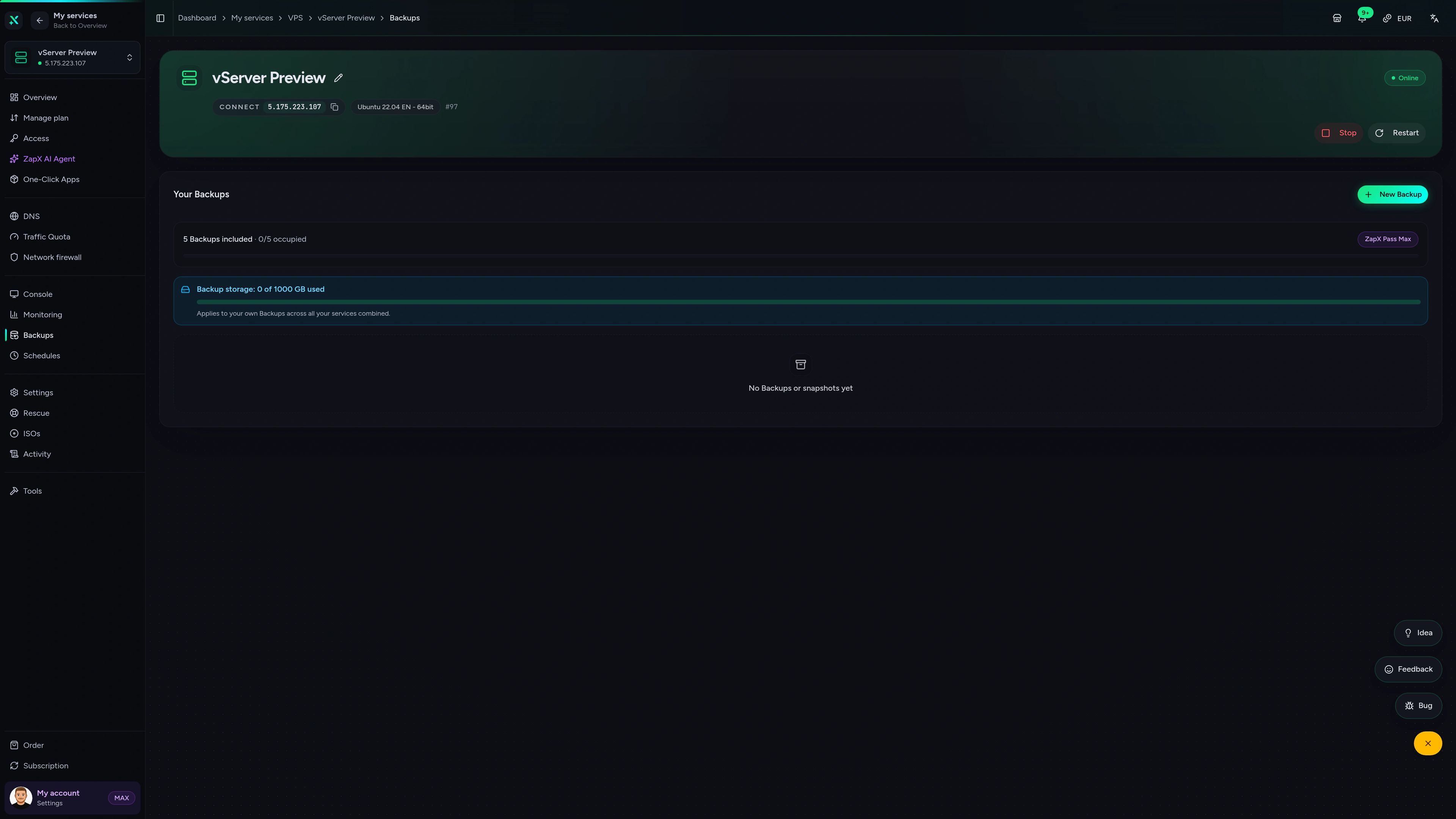
Your tiny world is safer between sessions: a daily automatic system Backup is included, and the ZapX Pass adds your own Backups and restores.
Keep the camp you already built: move the world save and configs from your current Smalland dedicated server to the VPS and play on.
When your base sprawls or you add a Discord bot, you can switch to a larger VPS package and keep playing in the same world.
Your players get a smooth connection when you pick the data center closest to them. You choose the location directly in the shop.
 Setup
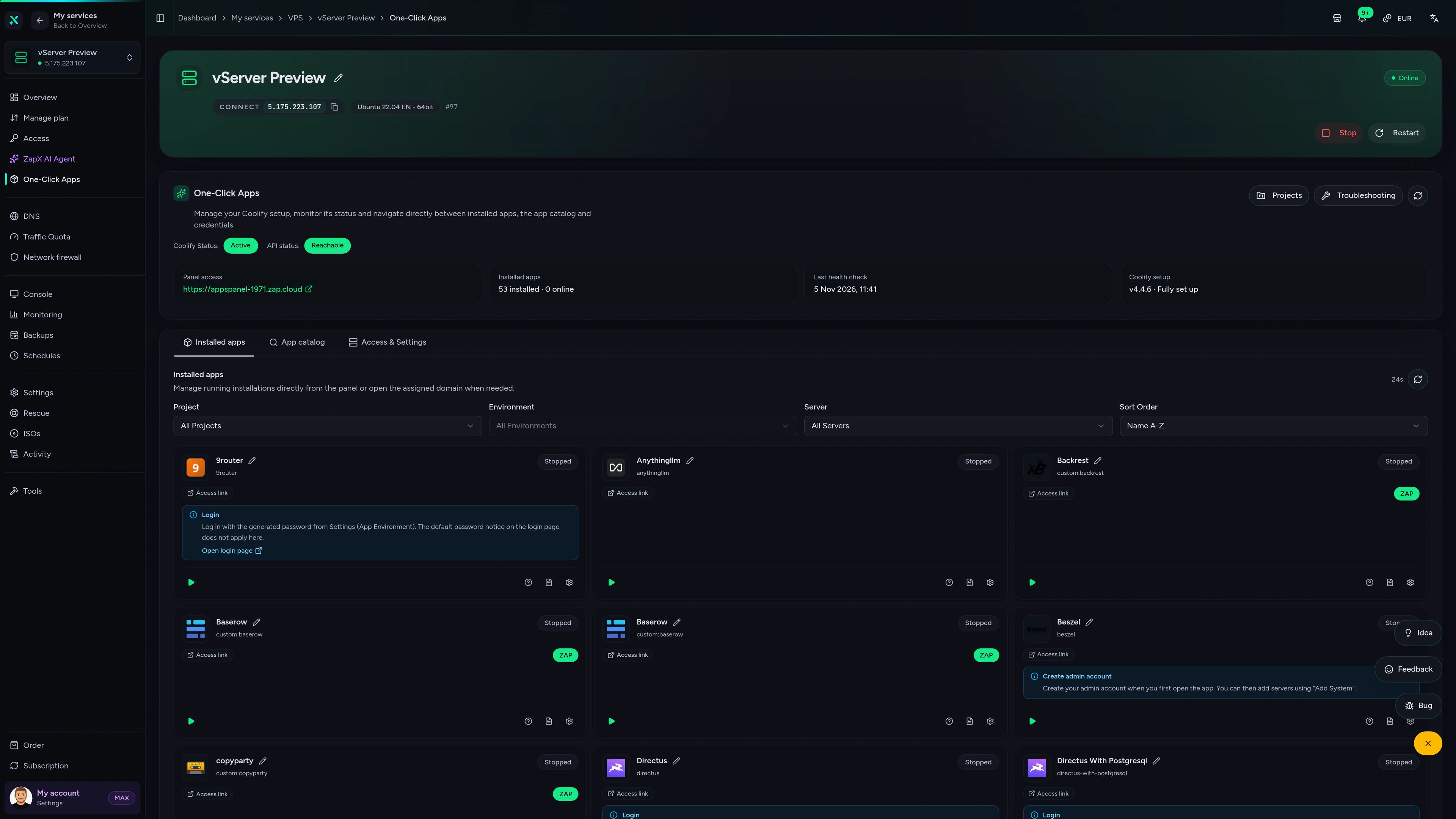
With our Game Server Installer, you can set up your Smalland: Survive the Wilds server on your VPS in one click — no commands or manual work. Prefer some help? With ZapX Pass, the ZapX AI Agent helps you in the chat.
Select Smalland: Survive the Wilds in the installer and click Install — the server will be set up automatically.
Describe your goal in the chat: the ZapX AI Agent supports you step by step with the setup. Available with ZapX Pass.
Prefer to set everything up manually?Guide in the Help Center
Locations in Europe and America
4 data centers in Europe and America — choose the location closest to your community.

Reviews
Real feedback on support and setup.
FAQ
Answers to the most important questions before you start.
One click via the Gameserver Installer.
Yes. Your VPS runs the official Smalland dedicated server, and our Gameserver Installer sets it up with one click, with no manual install session needed. Full root access still gives you complete control over files, settings and updates. Experienced admins can also set the server up by hand if they prefer.
The shop shows live prices while you configure your VPS. The price depends on the package and the location. You can choose a term of 3 days, 30 days, 90 days, 180 days or 1 year, and longer terms come with a discount. Where available, there is also a Lifetime option with the ZapX Pass.
Pick a VPS if you want your own server with root access. You control every Smalland server file and can run a Discord bot, tools or other game servers next to it. Hosting at home costs nothing extra, but your PC has to stay on and your router needs port forwarding. A VPS keeps the world online 24/7 without either.
Size the VPS by your world, your group and anything else you want to run on it, not by slots. A Smalland server hosts up to 10 players, so a small or mid-range package is a sensible start for most friend groups. Plan for more RAM and vCores if you also run other services. You can upgrade to a bigger package later without starting your world over. VPS basics in the Help Center
VPS locations are available in Europe and America. Pick the one closest to most of your players to keep the ping low for the whole group. Many North American groups start with Ashburn, Dallas or Los Angeles. If your players are spread out, choose a location roughly in the middle. You select the location when you configure the VPS in the shop.
No. Your VPS has its own public IP address, so your home router stays untouched. You only open the Smalland game ports in the VPS firewall, and your friends connect directly to the server. Every VPS includes DDoS protection, which helps keep attacks away from your world. Learn more about DDoS protection
Yes. If you already run a Smalland dedicated server somewhere else, copy its world save and config files to your VPS and start the server on the same game version. A daily automatic system Backup of your VPS is included, and the ZapX Pass lets you create your own Backups and restore them whenever you need. How Backups work
Yes. Smalland supports crossplay between PC (Steam and Epic), Xbox Series X|S and PS5. Console players can join a PC-hosted dedicated server when crossplay is enabled in its settings. Your VPS runs the PC dedicated server, and your console friends join it from their own platform.
Any more questions?
Contact SupportVPS panel
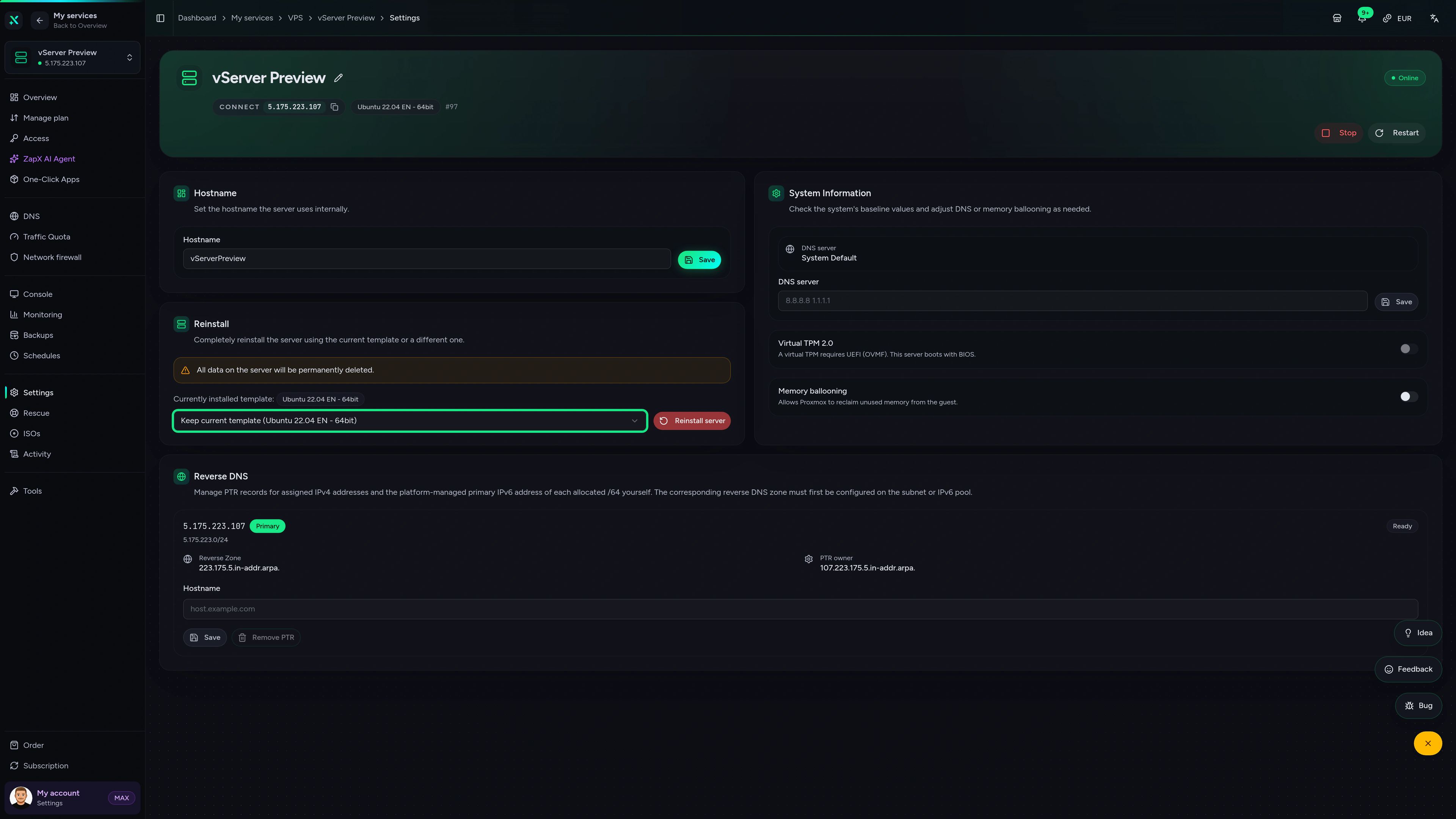
Manage your VPS in ZapX with browser console access, Backups and live statistics for CPU, RAM and network, all in one panel.
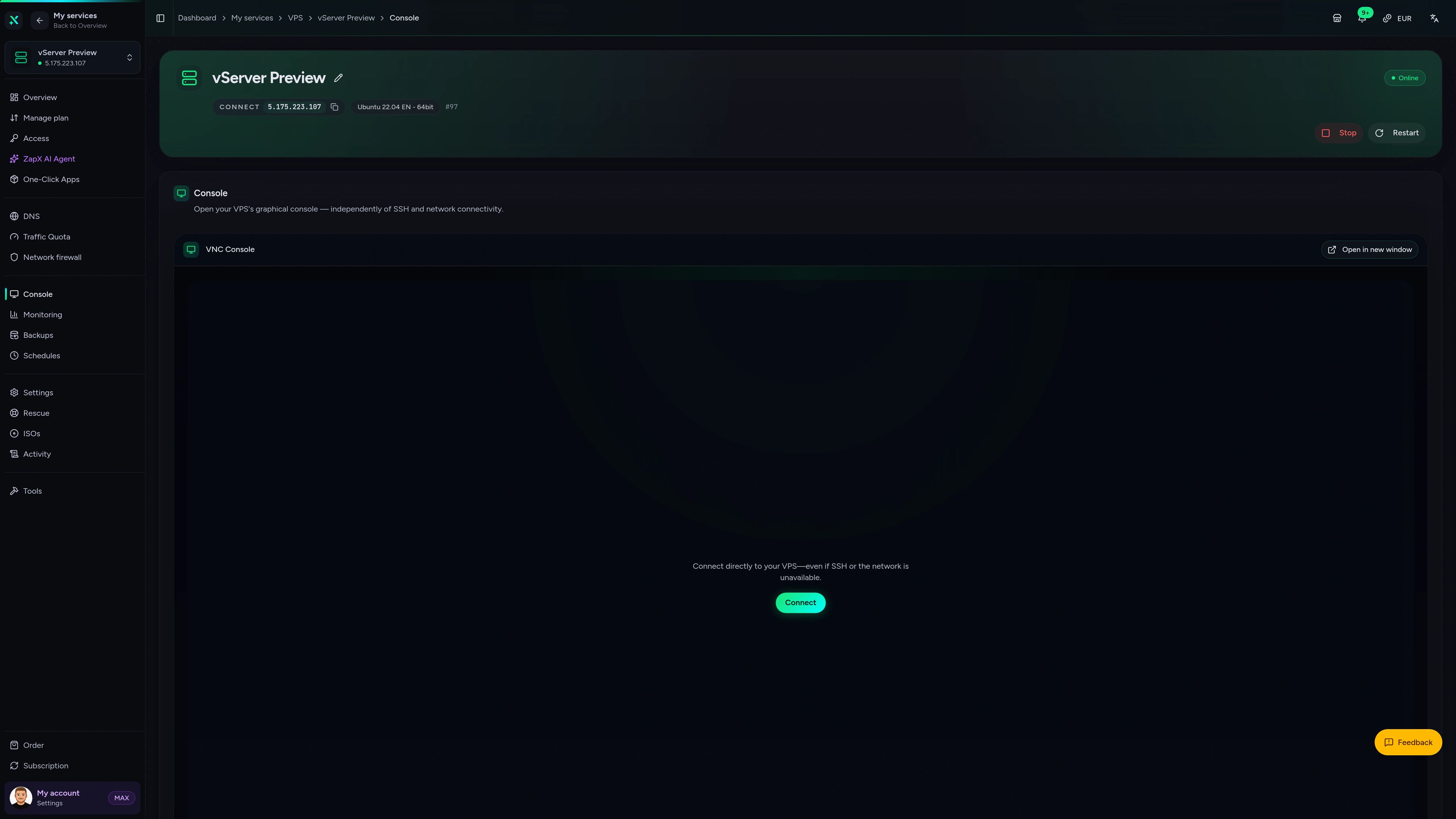
VPS Console tab
VPS Console tab
The ZapX AI Agent helps you understand your VPS. It explains resource usage, firewall rules and Backups for your Smalland server and shows you safe next steps.
The ZapX AI Agent and your own Backups with restore are part of the ZapX Pass, which also unlocks the Lifetime option where available.
See ZapX PassZapX AI Agent
panel.zap-hosting.com
Performance
The benchmark compares the network and server response of our VPS with typical providers in realistic scenarios, so you can judge performance on facts.
High-performance VPS, CPU model depends on the location
Typical VPS plans without a published host CPU
confirmed 2026-07-01
Smalland on your VPS
Every scenario runs on your own VPS with root access, and the Gameserver Installer sets up the Smalland server with one click. Pick the setup that fits your group.
Ready for your tiny world?
Your Smalland server, online around the clock.
ZapX appComing soon
Check on your Smalland VPS from your phone. See whether it is running, watch resource usage and restart it when your group needs a quick fix.
Impressionen
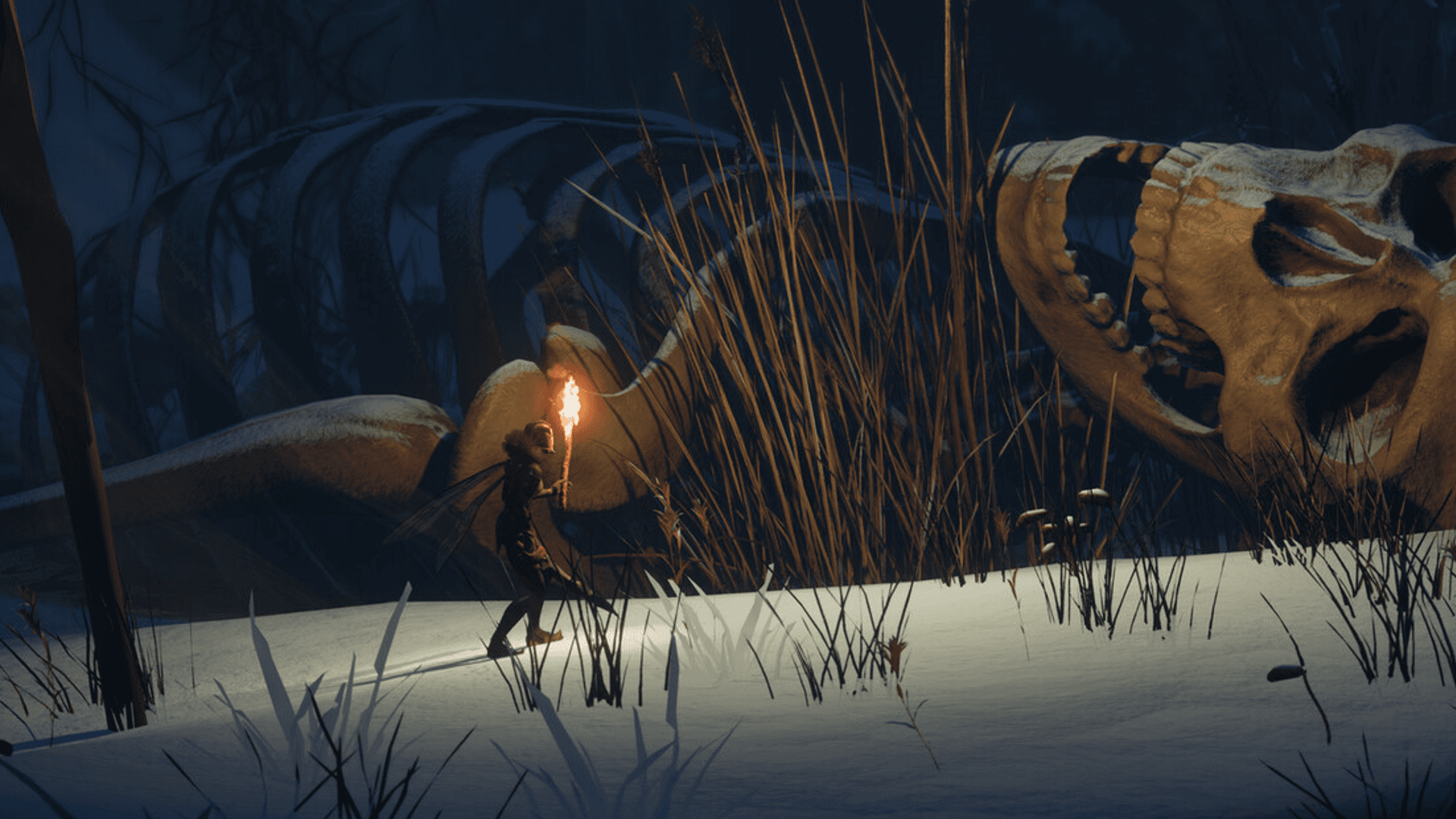
A glimpse into the game world—its atmosphere, exploration, and the moments your community will experience on the server.
Root access, one-click Smalland setup through the Gameserver Installer, DDoS protection and locations in Europe and America. Your tiny world is online in 60 seconds.
Install a Game Server with one click. No risk. Cancel anytime.
© 2026 ZAP-Hosting GmbH
 Preferred source on Google