Popular
VPS plan
ZAP Spark
€7.29/ 30 days
- 4 GB RAM
- 2 CPU
- 60 GB NVMe
- 1 Gbit/s Uplink
You decide which services we may enable for analytics, personalization, and external content.
We use cookies and similar technologies on our website to personalize content, embed external media, and better understand how individual areas are used.
Necessary cookies
These entries support essential functions such as security, stability, and form processing.
Optional sections
Your data may be processed with your consent or on the basis of legitimate interests. In the cookie settings, you can reject or explicitly allow each optional category.
Some services process personal data in third countries. By consenting, you also agree to this transfer. You can find more information in our Privacy Policy.
You can reopen and change your selection at any time. · 1.0.2
 Your own Windows VPS for FS22
Keep your modded FS22 farm online 24/7 on your own Windows VPS: self-managed server setup, full admin access and DDoS protection.
Packages 1–3 of 9
 Your project. Your setup.
Configure yourself
No package fits? Choose your CPU, RAM and storage—you only pay for what your project actually needs.
Powerful CPUs
100 Gbit/s host network
Juniper Firewall
DDoS protection
 Visa
 Mastercard
 American Express
 PayPal
 Google Pay
 Apple Pay
 Klarna
 Amazon Pay
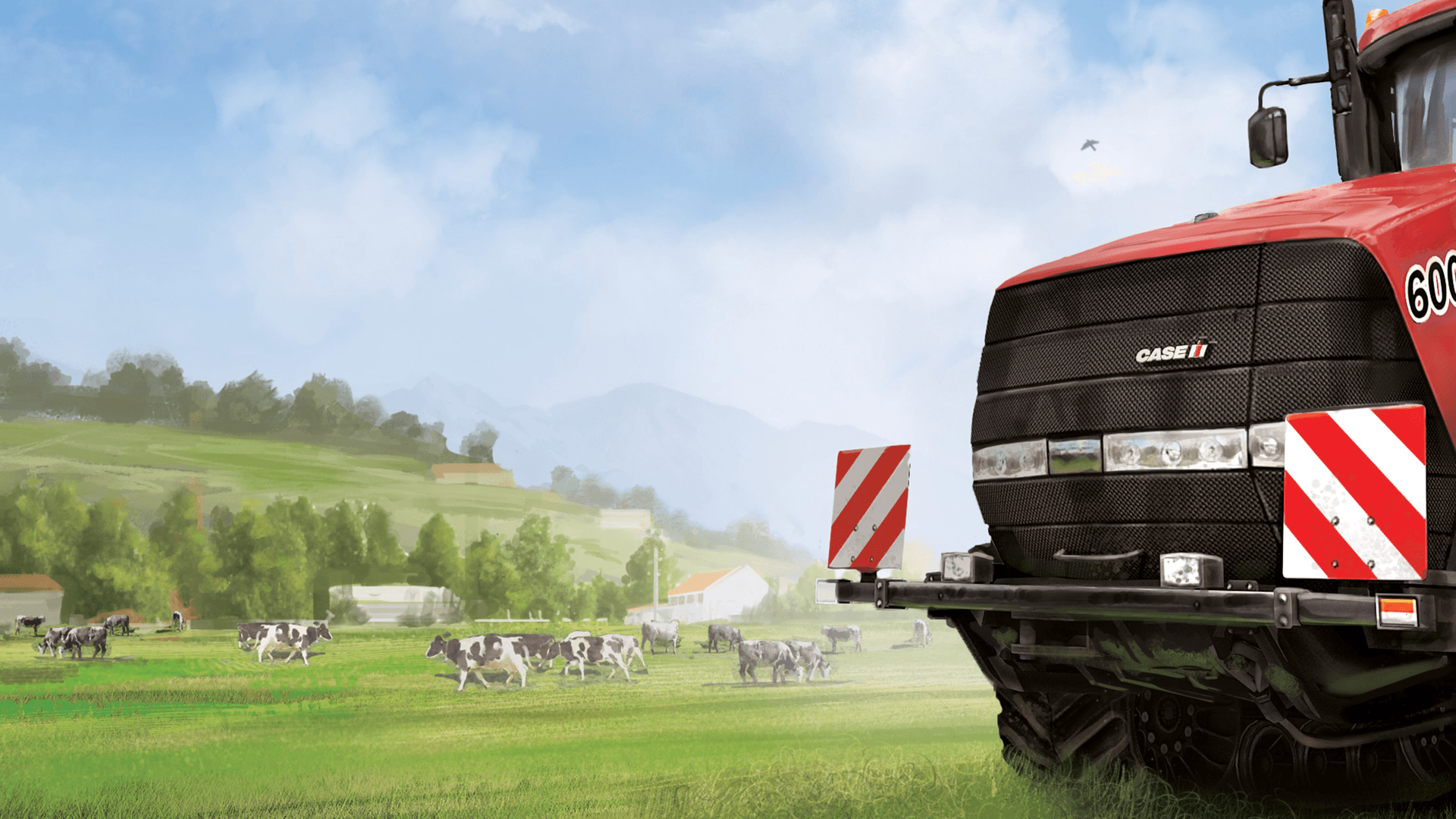
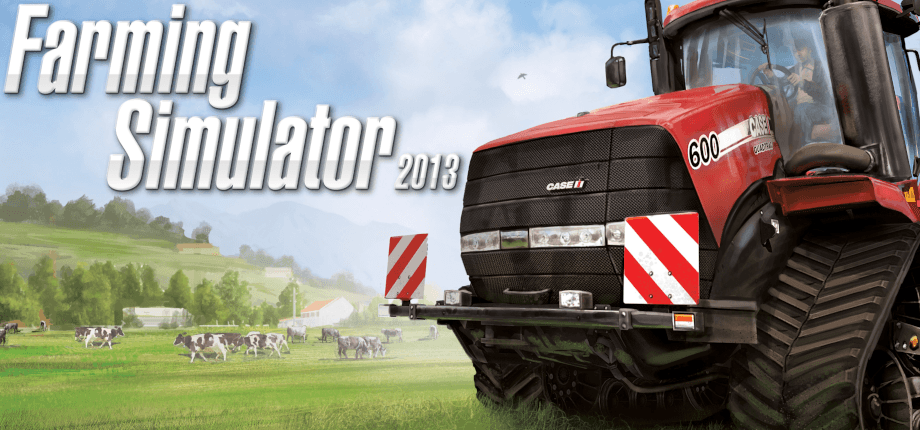
FS22 on your own VPS
With a Farming Simulator 22 VPS, your farm stays online 24/7 even when your gaming PC is off. It's your own Windows server running the official FS22 dedicated server, available in 9 VPS configurations with full admin access and DDoS protection.
You set up the FS22 dedicated server yourself on your VPS with full admin access, and you manage mods, maps and savegames in the game's web interface. The VPS is yours, so FS25 or other games can run on it too.
Features
Your own VPS for the official FS22 dedicated server, with admin rights, freedom to use any mods and a farm that never has to wait for your PC.
You make the rules: full Windows admin rights via Remote Desktop, plus server and admin passwords set in the FS22 web interface.
Your crew plays the maps and mods you choose: upload them through the FS22 web interface and pick the map when you start a new savegame.
Crops keep growing while your PC is off: the server runs around the clock in a data center, so friends can join whenever they like.
Pick the data center closest to your crew. Many North American groups start with Ashburn, Dallas or Los Angeles.
Your VPS is online in 60 seconds, and you set up the FS22 server yourself with full administrator access.
Keep the farm you've already built: upload your FS22 savegame from your PC and carry on right where your crew left off.
 Setup
Set up your Farming Simulator 2022 server yourself on your own VPS with full administrator access. The Help Center guide shows you how. Prefer some help? With ZapX Pass, the ZapX AI Agent helps you set it up.
You install the Farming Simulator 2022 server yourself and keep full control over files, mods and settings.
Describe your goal in the chat: the ZapX AI Agent supports you step by step with the setup. Available with ZapX Pass.
Locations in Europe and America
4 data centers in Europe and America — choose the location closest to your community.

Reviews
Real feedback on support and setup.
FAQ
Answers to the most important questions before you start.
Your FS22 server runs on a regular ZAP-Hosting VPS. VPS plans start at €7.29/month, and the final price depends on the plan, location and term. For FS22 on Windows, pick a plan with enough RAM for your mod list; you never pay per player slot. Choose 3, 30, 90 or 180 days or 1 year, with discounts on longer terms, or Lifetime with ZapX Pass: buy once and keep your VPS as long as your Pass is active.
All you need is a Windows VPS and a valid FS22 PC license. After you order, you set up the official FS22 dedicated server yourself with full administrator access, and you manage it through the game's web interface. Our Help Center guide helps you with setup. Read the FS22 setup guide
The FS22 dedicated server comes with the PC version of the game and needs a valid game license. Every farmer who joins needs their own copy of the game. GIANTS Software decides whether one license can run the server and be used for playing at the same time, so check their current license terms for your version (Steam, Epic Games or GIANTS store) before you order.
Your VPS is usually online in 60 seconds after payment. You then set up the FS22 dedicated server yourself with full administrator access, supported by our Help Center guide. After setup, you can upload mods and create your savegame in the web interface.
Yes. The VPS is yours, so no game server panel limits which mods you use. Upload mods and custom maps through the FS22 web interface or copy them over via Remote Desktop, then select them when you start a savegame.
The FS22 dedicated server runs the PC version of the game on your Windows VPS. Whether PlayStation and Xbox farmers can join depends on GIANTS' crossplay rules and on your mod list, because mods that aren't available on console can keep console players out. Check GIANTS' current crossplay notes before you plan a mixed crew.
You get your own Windows VPS with full administrator access via Remote Desktop, and you set up the FS22 server yourself. Unlike hosting on your home PC, the farm stays online when your PC is off. Unlike a slot-based game server, the same VPS can also host FS25 or other games.
Every VPS comes with DDoS protection at no extra cost and an automatic daily system Backup. With ZapX Pass you can also create your own Backups and restore them in the panel, which is worth doing before big mod updates or a new savegame. Learn how Backups work
Any more questions?
Contact SupportZapX Panel
Resource statistics, Backups, the DDoS overview and the ZapX AI Agent in one panel, while the FS22 web interface handles mods and savegames.
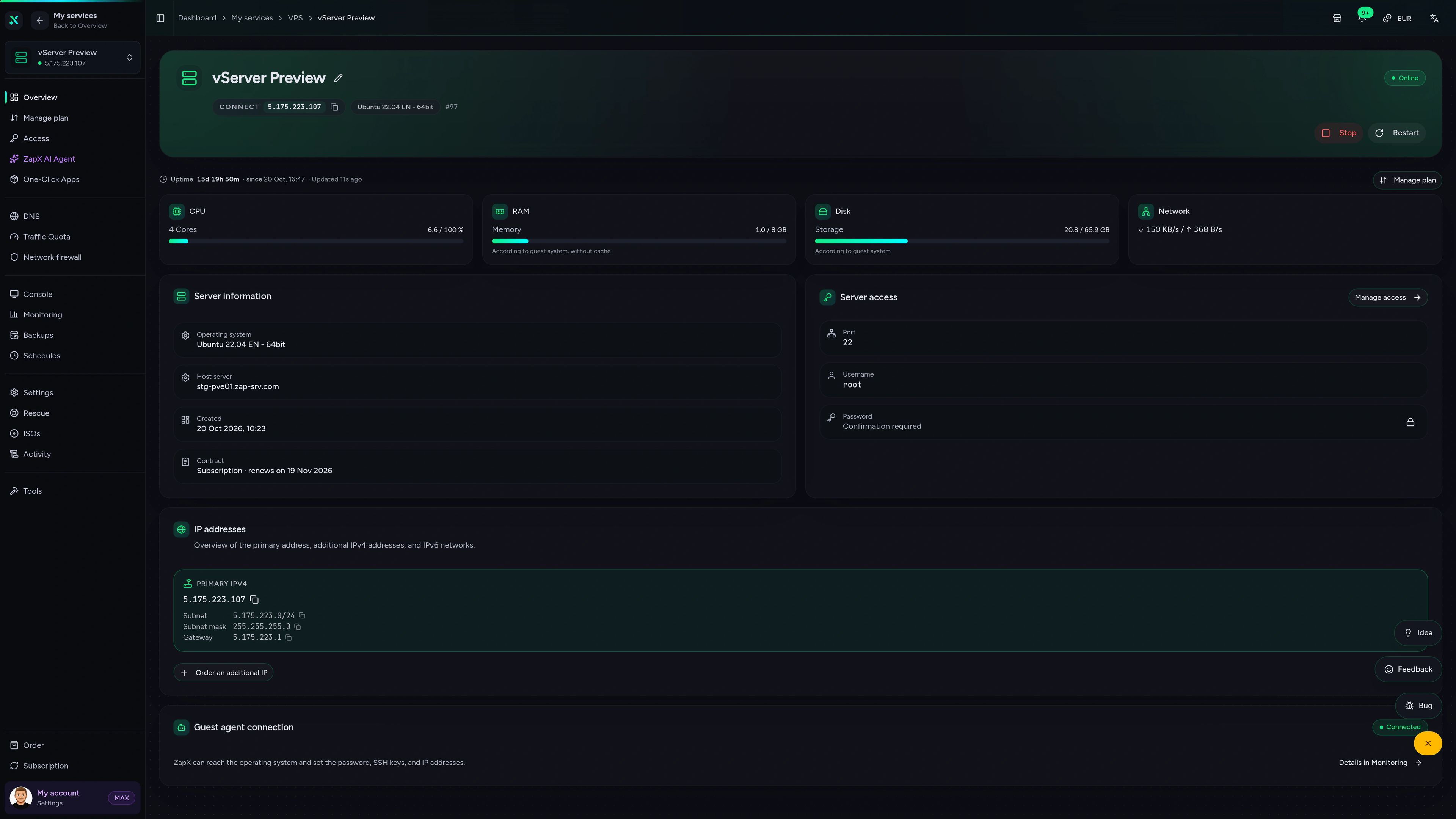
VPS DDoS Manager tab
VPS DDoS Manager tab
The ZapX AI Agent helps with Windows VPS questions around your FS22 server, such as RAM for mods, Remote Desktop, firewall ports and Backups, right in the panel.
The ZapX AI Agent is part of ZapX Pass and works account-wide for all supported services, including your VPS.
See ZapX PassZapX AI Agent
panel.zap-hosting.com
Benchmark
Real numbers from our own VPS infrastructure, with methodology and measurement date, so you can judge what your FS22 server runs on.
High-performance VPS, CPU model depends on the location
Typical VPS plans without a published host CPU
confirmed 2026-07-01
Use cases
From a small co-op farm to a heavily modded multiplayer map: your own VPS, where you set up the FS22 server yourself with full admin access.
Ready to farm?
Your FS22 farm, online around the clock.
Mobile AppComing soon
Keep an eye on your farm server from anywhere with the ZapX app: check its status and resources, or restart it on the go.
Impressionen
A glimpse into the game world—its atmosphere, exploration, and the moments your community will experience on the server.
Pick a VPS plan, set up FS22 yourself with full admin access and invite your crew to the farm.
Full administrator access. No risk. Cancel anytime.
© 2026 ZAP-Hosting GmbH
 Preferred source on Google