Popular
VPS plan
ZAP Spark
€7.29/ 30 days
- 4 GB RAM
- 2 CPU
- 60 GB NVMe
- 1 Gbit/s Uplink
You decide which services we may enable for analytics, personalization, and external content.
We use cookies and similar technologies on our website to personalize content, embed external media, and better understand how individual areas are used.
Necessary cookies
These entries support essential functions such as security, stability, and form processing.
Optional sections
Your data may be processed with your consent or on the basis of legitimate interests. In the cookie settings, you can reject or explicitly allow each optional category.
Some services process personal data in third countries. By consenting, you also agree to this transfer. You can find more information in our Privacy Policy.
You can reopen and change your selection at any time. · 1.0.2
 Official CryoFall Dedicated Server
Your own Windows VPS with full admin access and the CryoFall server set up in one click via the Gameserver Installer.
Packages 1–3 of 9
 Your project. Your setup.
Configure yourself
No package fits? Choose your CPU, RAM and storage—you only pay for what your project actually needs.
Powerful CPUs
100 Gbit/s host network
Juniper Firewall
DDoS protection
 Visa
 Mastercard
 American Express
 PayPal
 Google Pay
 Apple Pay
 Klarna
 Amazon Pay
CryoFall Dedicated Server
A CryoFall VPS keeps your colony online 24/7, even after everyone logs off. It is your own Windows VPS with full admin access, running the official CryoFall Dedicated Server, set up with one click via the ZAP-Hosting Gameserver Installer.
That is CryoFall dedicated server hosting in the literal sense: “dedicated server” is the name of the free official server software, and your VPS is where it runs. Your group decides the rules: a player limit anywhere from 1 to 300, PvE or PvP, and custom gathering rates.
Want a public colony? Switch the server from private to public and it appears in the CryoFall server browser. Prefer a quiet world for friends? Keep it private, add mods via ModsConfig.xml and let the daily automatic Backup cover your world save.
Features
Everything your colony needs on your own Windows VPS, from one-click setup to daily Backups and full control over rates and mods.
Your colony is ready to play without manual steps: the Gameserver Installer sets up the official dedicated server on your Windows VPS.
Your world keeps its own resources: enough RAM for the server, plus headroom for Windows.
Set gathering, crafting and learning rates in ServerRates.config and pick PvE or PvP, with full file access on your VPS.
Keep your world private for friends, or set is_public_server to 1 and your colony shows up in the CryoFall server browser.
Your world save is backed up automatically every day; custom Backups, snapshots and restores come with the ZapX Pass.
Your players get a low ping when you choose the data center closest to them from our locations in Europe and America.
 Setup
With our Game Server Installer, you can set up your CryoFall server on your VPS in one click — no commands or manual work. Prefer some help? With ZapX Pass, the ZapX AI Agent helps you in the chat.
Select CryoFall in the installer and click Install — the server will be set up automatically.
Describe your goal in the chat: the ZapX AI Agent supports you step by step with the setup. Available with ZapX Pass.
Prefer to set everything up manually?Guide in the Help Center
Locations in Europe and America
4 data centers in Europe and America — choose the location closest to your community.

Reviews
Real feedback on support and setup.
FAQ
Answers to the most important questions before you start.
A CryoFall VPS is your own Windows VPS with full admin access, running the official CryoFall Dedicated Server set up with one click via the Gameserver Installer. Compared with a managed game server, you control every file, config and mod yourself and can run extra tools next to it. The official CryoFall Dedicated Server is Windows software, so it runs on a Windows VPS.
Right here on this page: pick a VPS package, and the CryoFall Dedicated Server is set up with one click via the Gameserver Installer. Every VPS comes with DDoS protection, a daily automatic Backup and full admin access via Remote Desktop, and you choose the location closest to your players.
We recommend at least 2 GB RAM for the game server itself. Windows needs additional memory on top of that, and the Gameserver Installer needs about 3 GB of disk space, so choose a package with headroom. More players or mods need more RAM.
With one click: the Gameserver Installer sets up the official CryoFall Dedicated Server, its runtime and the server config on your Windows VPS. The first start compiles the game scripts and takes about 6 minutes; later starts take about 1.5 minutes. Experienced admins can optionally manage everything themselves via Remote Desktop. Remote Desktop guide in the Help Center
Your VPS is available at locations in Europe and America: Ashburn, Dallas, FFM/Eygelshoven and Los Angeles. Choose the location closest to most of your players for a low ping. Many North American groups start with Ashburn, Dallas or Los Angeles.
Yes. With full admin access you edit the server files yourself: gathering, crafting and learning rates in ServerRates.config, PvE or PvP mode, and mods via ModsConfig.xml. Your server starts private; set is_public_server to 1 to list it in the CryoFall server browser. You can even run a test world next to your live world if your package has the resources.
Every VPS includes a daily automatic Backup, which covers your world save in Data/Saves and configs such as SettingsServer.xml, ServerRates.config and ModsConfig.xml. Custom and manual Backups, snapshots, Backup management and restores are available with the ZapX Pass. Learn more in the Help Center
Yes, you can cancel your VPS anytime in your panel; the cancellation takes effect at the end of the current term. Flexible terms let you pick the term that fits your group, and you can add more RAM if your colony grows.
Any more questions?
Contact SupportVPS panel
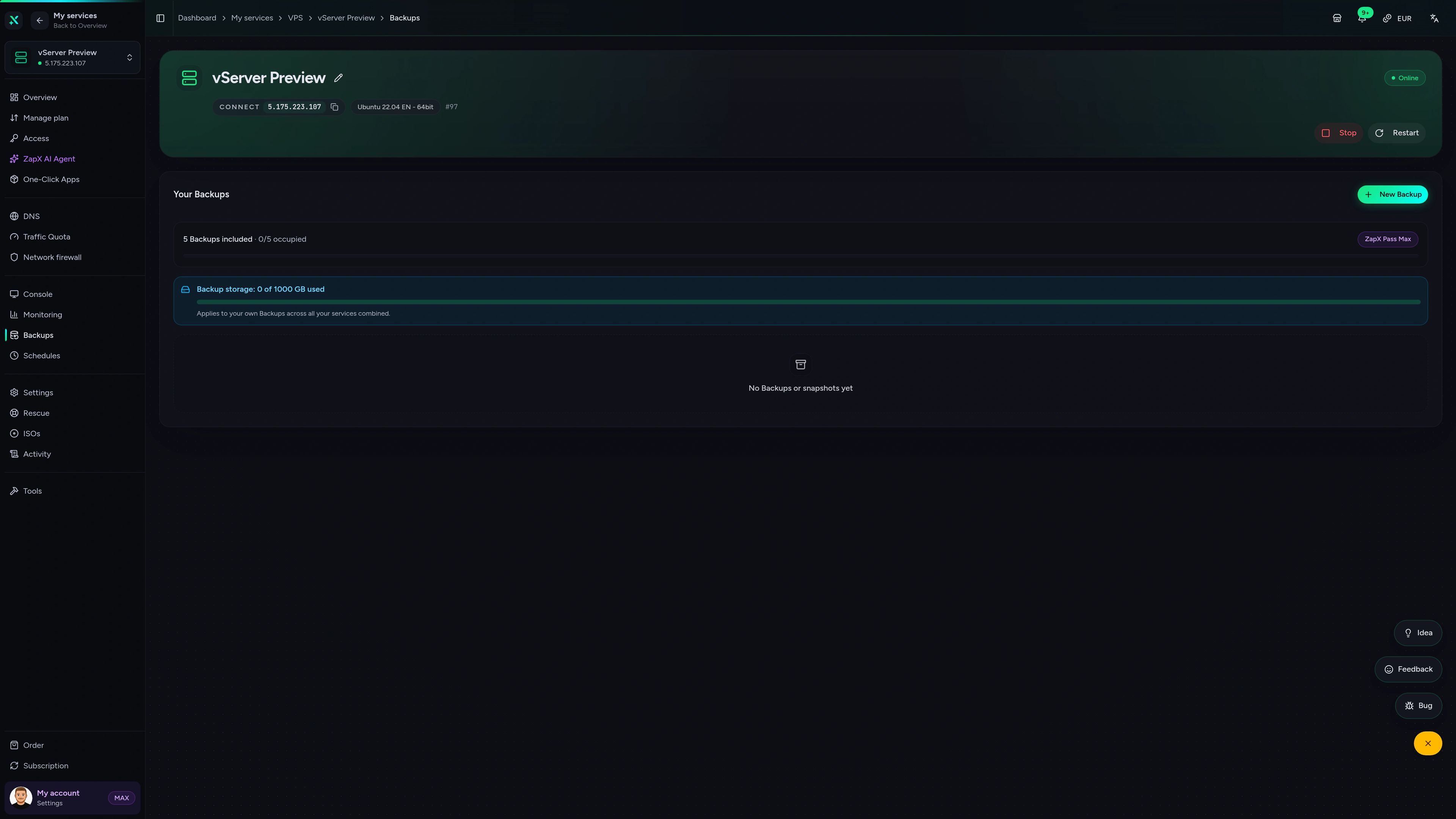
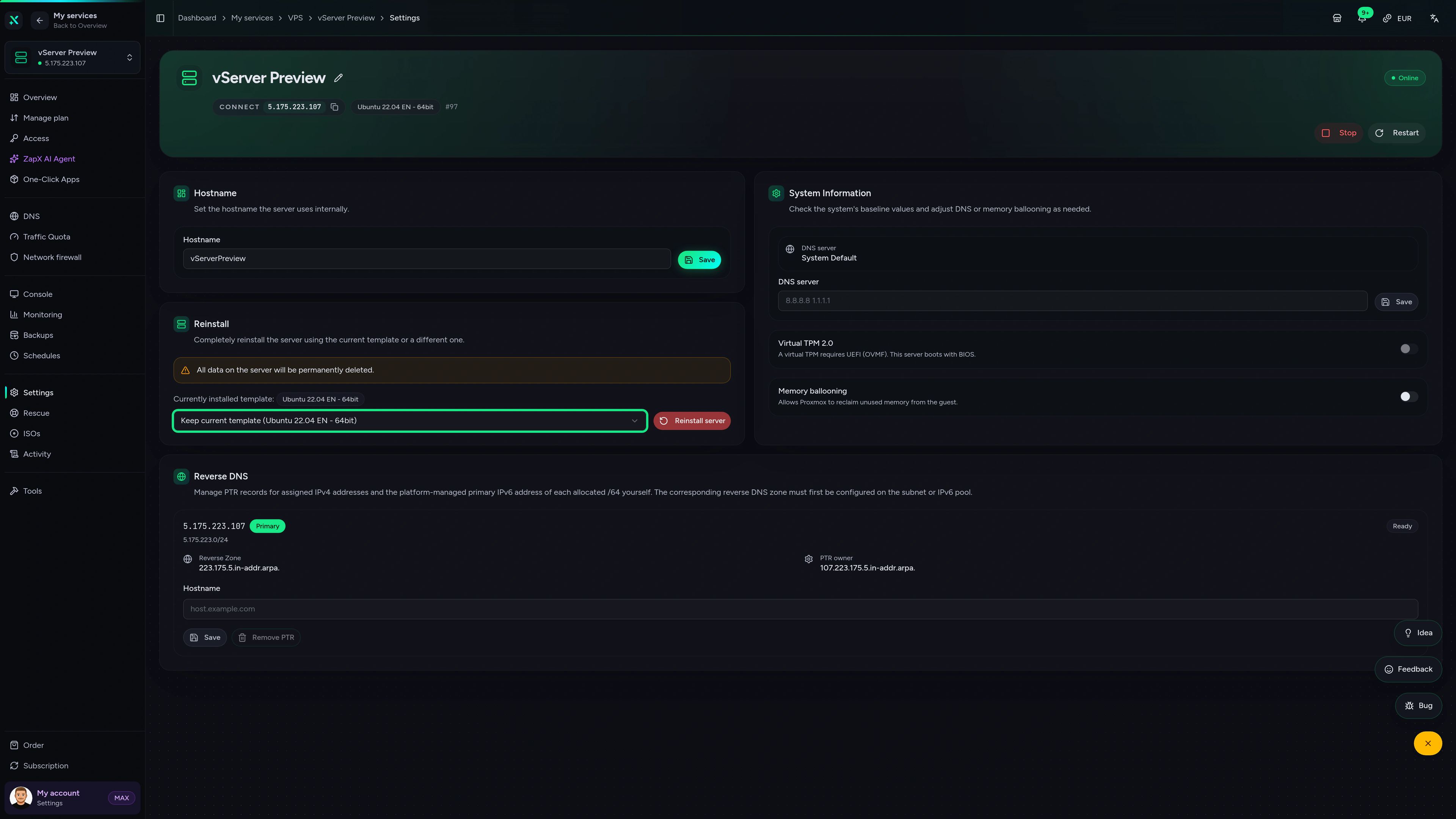
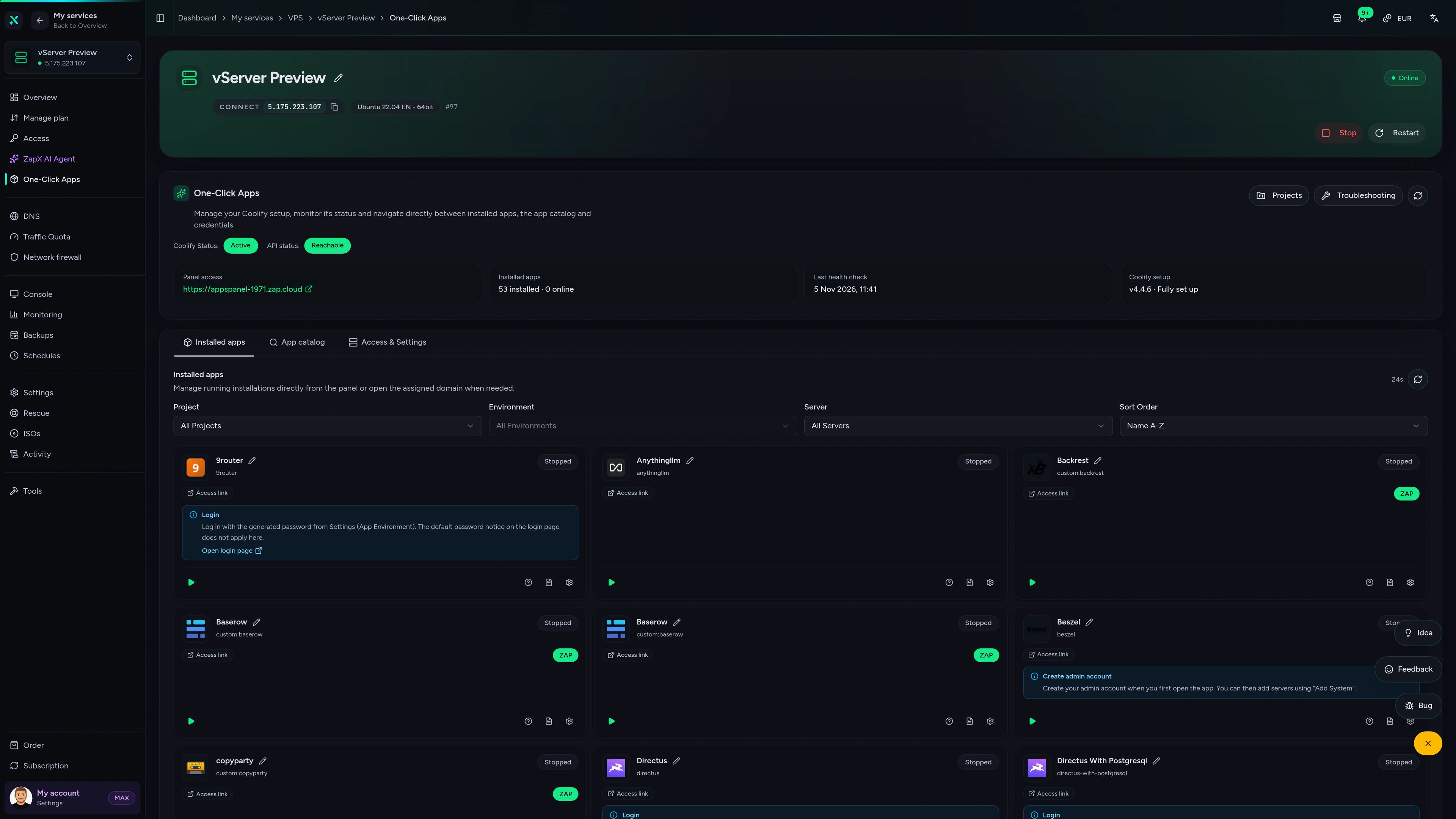
Manage your CryoFall VPS in the ZapX panel: console access, DDoS manager, Backups and live statistics in one place.
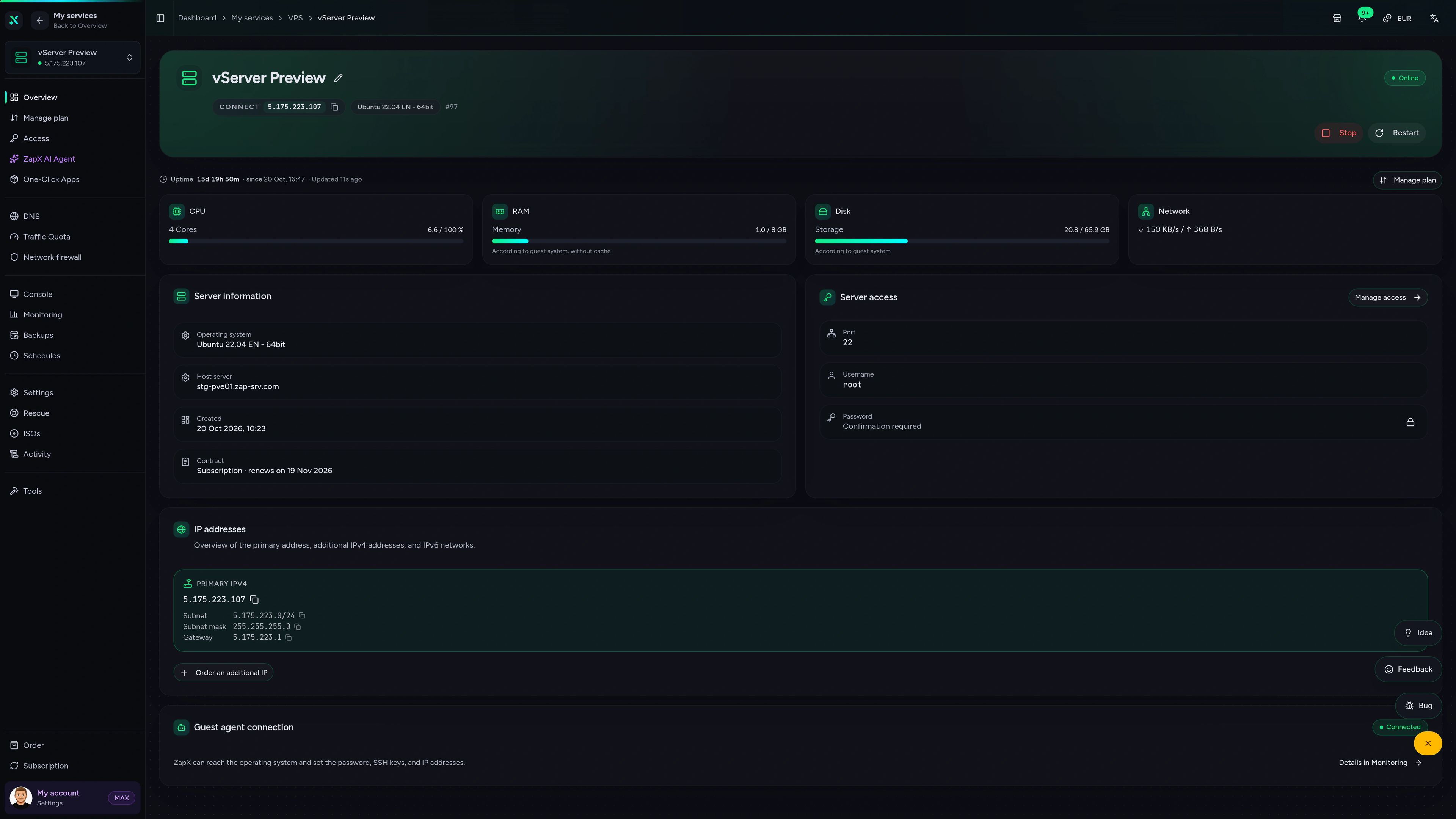
VPS DDoS Manager tab
VPS DDoS Manager tab
The ZapX AI Agent explains settings, sizing and logs on your VPS and suggests safe next steps. You decide what to change.
The ZapX AI Agent is part of the ZapX Pass. It advises and explains; every change on your VPS stays your decision.
Explore the ZapX PassZapX AI Agent
panel.zap-hosting.com
Benchmark
Real measurements from our VPS fleet compared with typical market values, so you can see what your CryoFall world runs on.
High-performance VPS, CPU model depends on the location
Typical VPS plans without a published host CPU
confirmed 2026-07-01
Use cases
Whatever your colony looks like, the CryoFall server is set up with one click via the Gameserver Installer, and you keep full admin access to every setting.
CryoFall Dedicated Server VPS
Ready to wake up your colony?
ZapX appComing soon
Keep an eye on your CryoFall VPS from your phone with the ZapX app, wherever your group is playing.
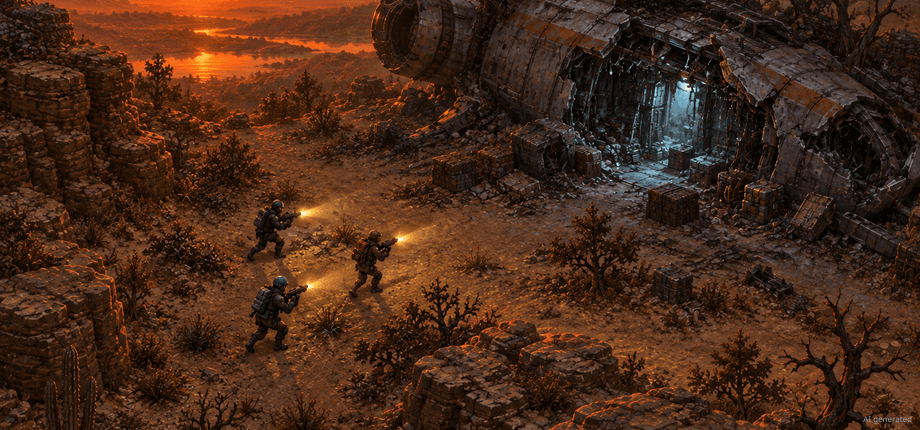
Impressionen
A glimpse into the game world—its atmosphere, exploration, and the moments your community will experience on the server.
Rent your VPS, get CryoFall set up with one click via the Gameserver Installer and invite your colonists. Cancel anytime.
Install a Game Server with one click. No risk. Cancel anytime.
© 2026 ZAP-Hosting GmbH
 Preferred source on Google