
Skip to content

Passkey support for ZAP-Hosting accounts

Jakub2 min15 December 20256 Views
Security-Seite: Hardware authentication / Passkeys hinzufügen

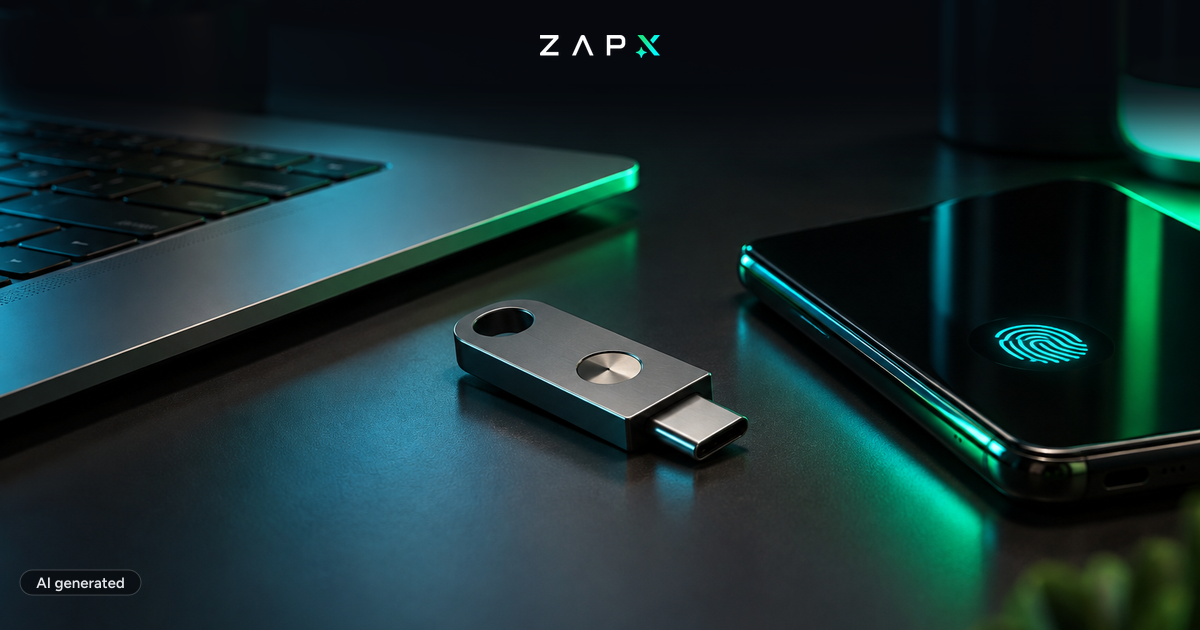
You can now secure your ZAP-Hosting customer account even better: In addition to classic methods like TOTP (Authenticator apps), we’ve added support for hardware-based two-factor authentication using passkeys.

What are passkeys?

Passkeys are a modern, highly secure way to log in using a device-bound authentication method. Examples include:

  • Security keys such as YubiKeys
  • Face ID (Apple)
  • Built-in fingerprint readers (e.g., Windows Hello or laptop sensors)

How to add passkeys to your account

Under Security, you’ll find a new option called “Hardware authentication”. From there, you can add and manage your preferred passkeys.

The new option also lets you:

  • edit the description of your linked devices (e.g., “Office YubiKey” / “iPhone Face ID”)
  • delete passkeys you no longer want to use
Newsletter
New articles, tutorials and server news straight to your inbox. After confirming your email — only for new addresses.
Unsubscribe anytime. No spam.

Login: choose TOTP or passkey

If multiple authentication methods are configured for your account, you can choose during login whether you want to use TOTP or hardware-based authentication (passkey)

Why you’ll like it

  • Improved security through device-bound authentication
  • Convenient sign-in (e.g., fingerprint / Face ID)
  • More control with device management (rename / remove passkeys)

Jakub

About the author

Jakub

Developer

Jakub helps develop the ZAP-Hosting panel and introduces new features as soon as they go live.

Feedback

Was this blog post helpful?

Your feedback helps us prioritize and improve blog articles.

From category

More about ZAP-Hosting

More posts on the same topic—curated for you from our blog.

All articles in ZAP-Hosting
ZAP-Hosting4 min4 Nov 2026

New Panel, New Prices: What's Inside ZapX

ZapX is our new panel: one-click apps on your VPS, an AI agent and game servers without slot limits. What's new, what it costs and why our prices are changing.

Read more

In this category

Explore more

More interesting articles

Discover the latest news, tutorials, and tips from other categories.

All articles
News2 min11 Nov 2026

New at ZAP: manage your servers with Claude and ChatGPT

Restart, read logs, create backups, change configs: with MCP Connect you can now do it in a chat with Claude, ChatGPT, Cursor or Gemini. No MCP server of your own, OAuth sign-in, and permissions you set yourself.

Read more

Browse the highlights






