
Skip to content

More flexibility for your VPSs: Upload your own ISO files

Jakub1 min12 December 20256 Views
More flexibility for your VPSs: Upload your own ISO files

This promotion has ended

The discounts and coupon codes in this post are no longer valid. Go to recent posts

New VPS feature: Upload your own ISO files

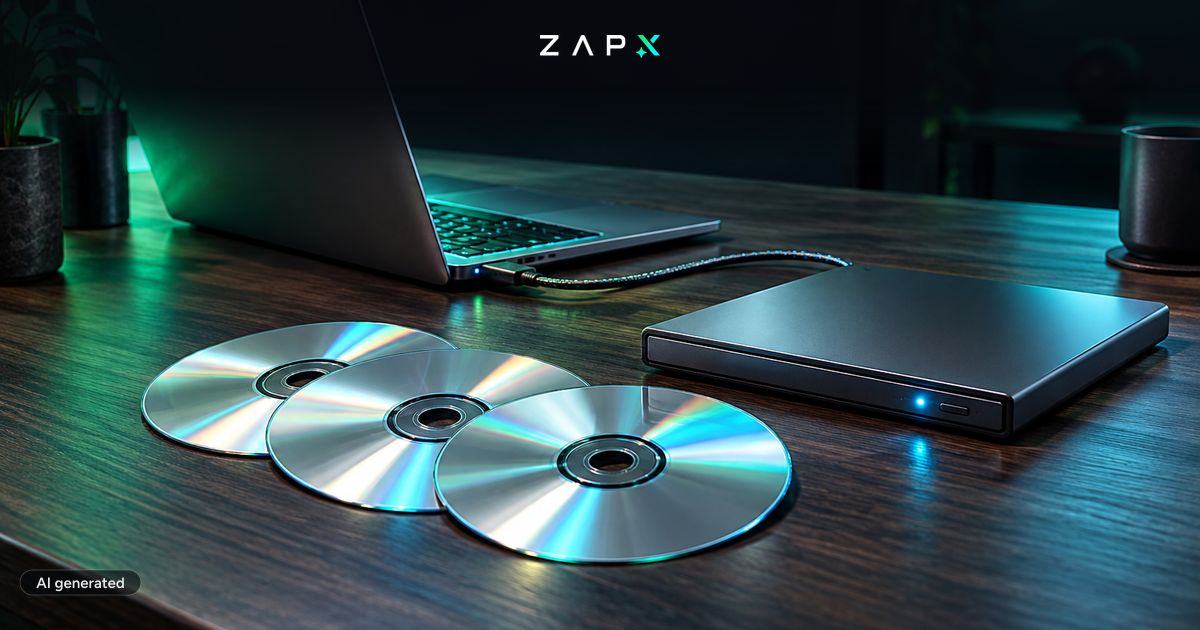
We have introduced a new feature for our VPSs: You can now upload up to 3 custom ISO files directly to your server to install, for example, a new operating system. Previously, this process was only possible via our support team – now you can do it independently and at any time.

More information can be found here: VPS ISO guide
Use the voucher code OWNISO1225 to get 50% off our VPS plans:

OWNISO1225

Was ist neu?

  • Upload up to 3 custom ISO files per VPS
  • Perfect for installing custom operating systems, special distributions, or recovery tools
  • No waiting times – full control directly in the panel<

Use the button below to order a VPS:

VPS

Newsletter
New articles, tutorials and server news straight to your inbox. After confirming your email — only for new addresses.
Unsubscribe anytime. No spam.
Jakub

About the author

Jakub

Developer

Jakub helps develop the ZAP-Hosting panel and introduces new features as soon as they go live.

Feedback

Was this blog post helpful?

Your feedback helps us prioritize and improve blog articles.

From category

More about ZAP-Hosting

More posts on the same topic—curated for you from our blog.

All articles in ZAP-Hosting
ZAP-Hosting4 min4 Nov 2026

New Panel, New Prices: What's Inside ZapX

ZapX is our new panel: one-click apps on your VPS, an AI agent and game servers without slot limits. What's new, what it costs and why our prices are changing.

Read more

In this category

Explore more

More interesting articles

Discover the latest news, tutorials, and tips from other categories.

All articles
News2 min11 Nov 2026

New at ZAP: manage your servers with Claude and ChatGPT

Restart, read logs, create backups, change configs: with MCP Connect you can now do it in a chat with Claude, ChatGPT, Cursor or Gemini. No MCP server of your own, OAuth sign-in, and permissions you set yourself.

Read more

Browse the highlights






