
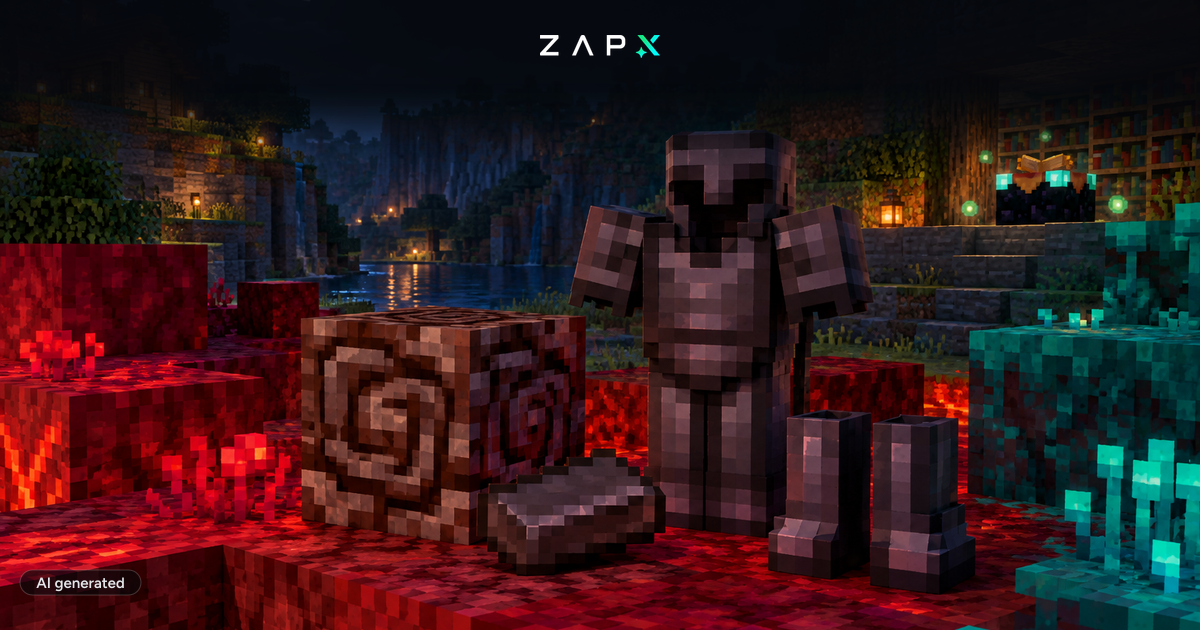
The new Minecraft Update 1.16, NETHER, has finally been released. The update brings many interesting new features and has of course already been uploaded to our servers. If you have a Minecraft Vanilla server with us, you will receive a message that a new update is available and can install the new version directly on your server. If you decide to stay with the previous version on your server, you can install the desired Minecraft version at any time via our version management in the web interface under versions. On all new Minecraft Vanilla servers 1.16 is already installed.
If you have a modpack server, thanks to our gameserver cloud, you can install a vanilla server in addition to your existing server without losing data if you want to try the new Nether update:
Simply go to Games in the web interface, select Minecraft: Vanilla from the available games and install using the green install button. After the installation the vanilla server just needs to be activated. You can always reactivate your old server.
Minecraft 1.16 got a couple of different innovations, the most important are:
- Netherite: A material harder than diamond
- Piglins: New NPCs with whom you can fight and trade
- Hoglins: New creatures to hunt
- Target block: A new block that gives off Redstone power
You don't currently have a Minecraft server, but want to try the Nether Update now? You can rent a Minecraft server here:

 Preferred source on Google









