
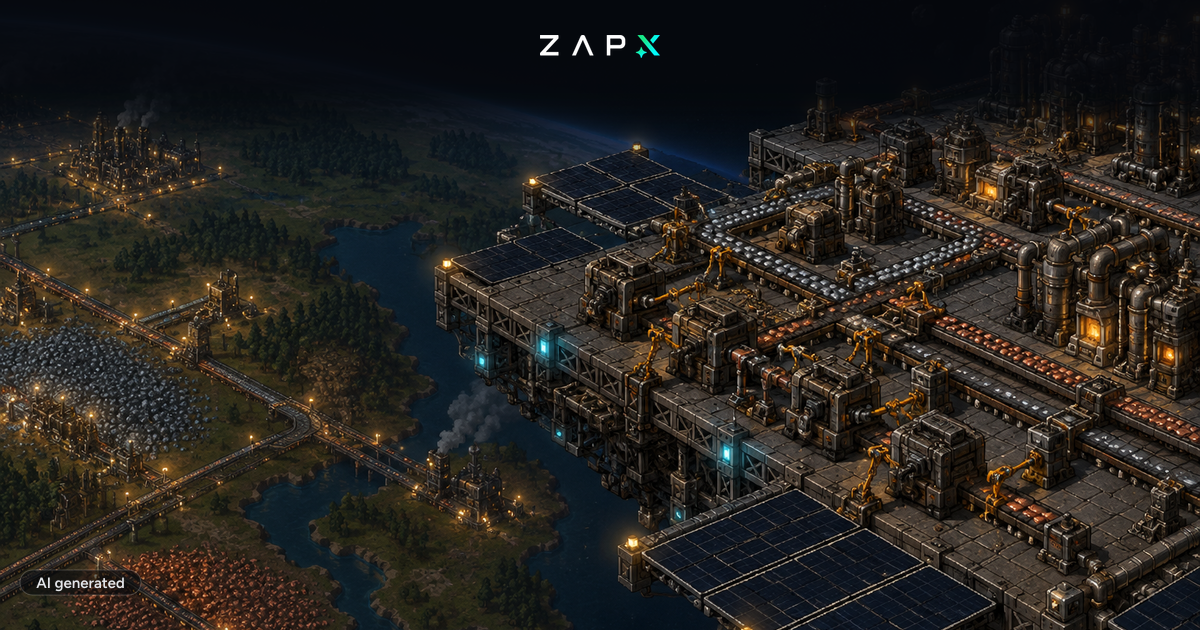
The Space Age DLC for Factorio was released this week. With the DLC, Factorio has been updated to version 2.0, introducing massive new features to the game, including new worlds and the ability to build factories in space.
The Space Age DLC is, of course, enabled by default on our servers. Due to the extensive changes, it is recommended to reinstall the server and start a new game to avoid potential incompatibilities with existing save files. Therefore, we recommend making a backup and proceeding as follows to start a server with Space Age:
- Open your Factorio server in the web interface.
- Click on "Settings".
- Click the button "Server Reinstall"
- Confirm the reinstallation by clicking the "Reinstall Now" button
After reinstallation, the server will start withthe Space Age DLC enabled. To play on a Factorio: Space Age server, all players need the Space Age DLC. If you want to play without the Space Age DLC, you can disable it under "Settings" and "Space Age DLC". There, you can also choose whether DLCs and mods should be synchronized when the server restarts. In that case, the Space Age DLC will also be activated without reinstallation. We do not recommend this procedure, as it may cause issues with existing savegames. Additionally, you can now edit the "mod-list.json" file under "Configs" to enable or disable individual mods.
You don’t have a Factorio server yet but feel like playing Factorio now? Save 50% on your next Factorio server with the code: InCP8Xr6
Use the following link to check out our Factorio servers: Factorio server hosting

 Preferred source on Google









