

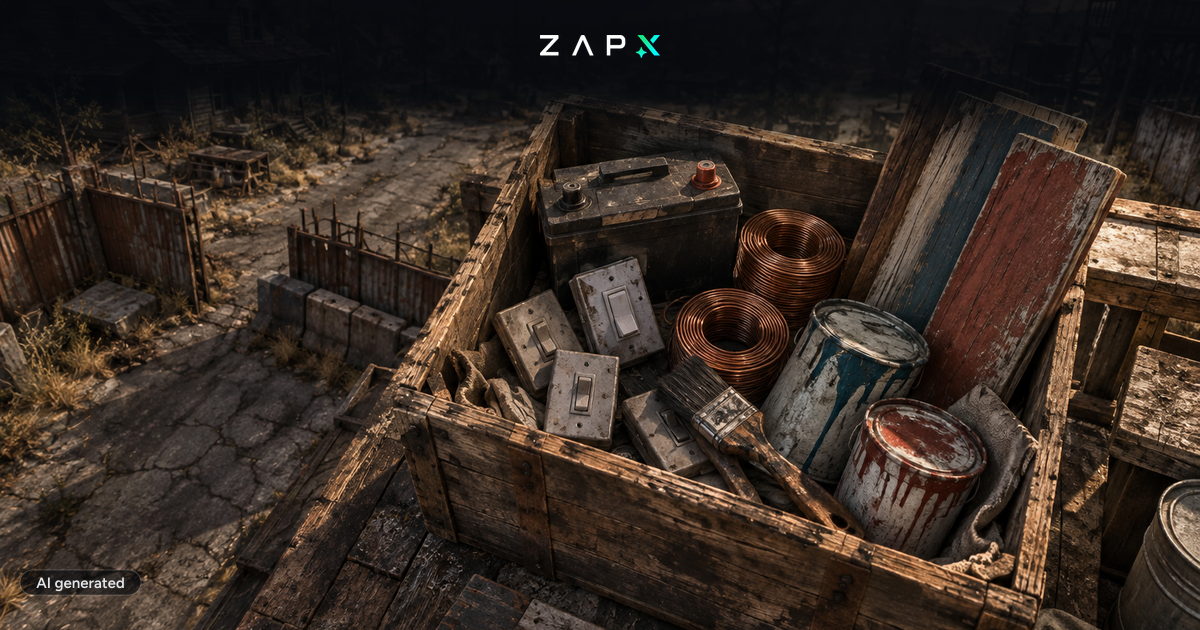
The zombie survival game 7 Days to Die has received a new patch with Alpha 16, claiming to be the biggest content patch the game has ever received since Alpha 1.
Among the changes and additions brought by Alpha 16 are:
- new locations
- new distant rendering system
- new enemy spawn system
- improved enemy AI
- electricity
- improved random number generation
- new and revamped enemies
- new animals
- Painting feature allowing items to be painted and marked in the game
- Changes to the progression system
- Gamepad support
- new recipes and items
- new stealth system
- new and improved weapons
- many more improvements and fixes
A complete list of all changes can be found in the official post: Click me
Of course, the latest version is installed on the servers of ZAP Hosting. If you already have a 7DTD server at ZAP, you will receive a message when you start it next, indicating that a new update is available. If you don't have a server yet, you can rent one here.
Newsletter
New articles, tutorials and server news straight to your inbox. After confirming your email — only for new addresses.
Unsubscribe anytime. No spam.
 Preferred source on Google









