
The new desert map is available on our DayZ servers right now. Switch to Nasdara in five steps.
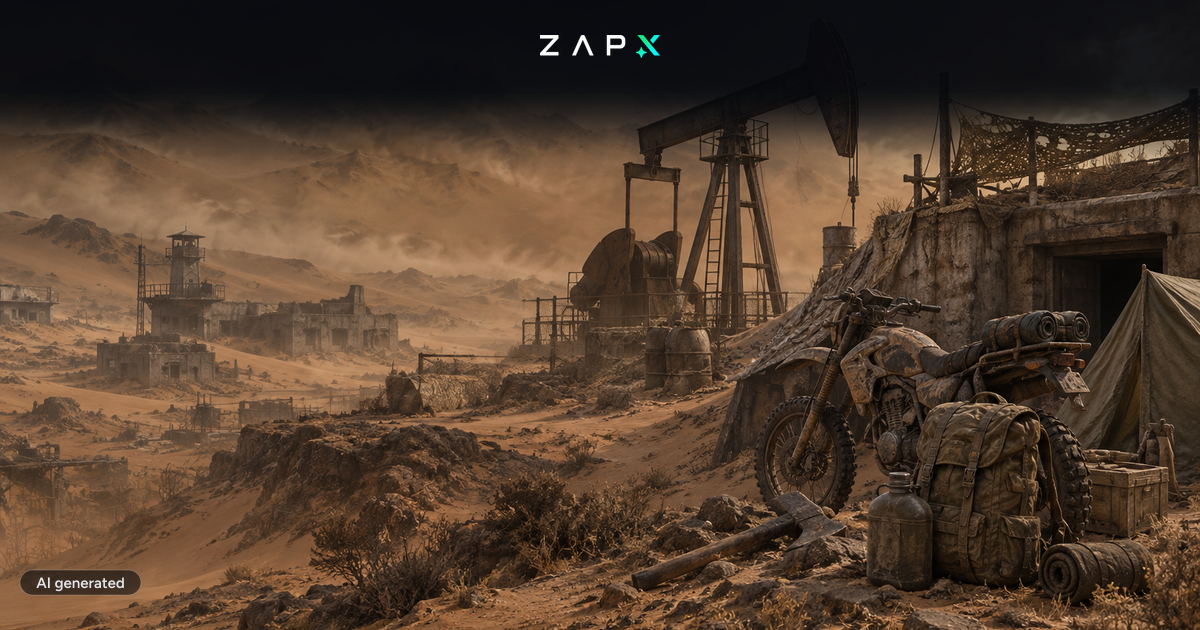
DayZ Badlands launched on October 15, 2026, together with the free Update 1.30. The heart of the expansion is the Nasdara map: 267 km² of desert, mountains and abandoned oil fields. It is the largest map Bohemia has ever built for DayZ. You can select Nasdara on our DayZ server hosting right away.
- Heat and sandstorms: heatstroke and silicosis are new threats, and water is scarce. You also need it to cool down.
- Rebuilding: almost 5,000 structures can be rebuilt, including wells and irrigation tunnels.
- Morse code radio: transmissions reveal coordinates and access codes to bunkers in the cities.
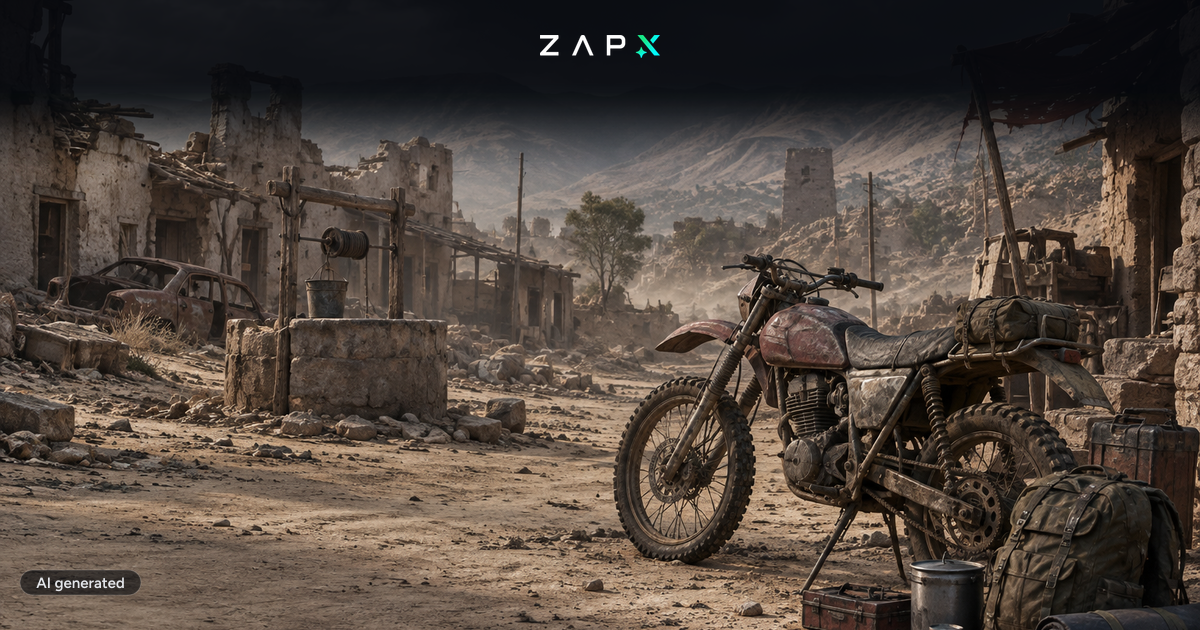
- Motorbikes: moped and enduro with ragdoll physics for crashes, available on the other maps too through Update 1.30.
- New gear and wildlife: desert clothing, weapons from the Lee-Enfield to the SCR, plus mouflons, desert monitors and guard dogs.
- Open your DayZ server in the web interface.
- Check that your server runs version 1.30 and start the update if needed.
- Click "Settings".
- Under "Mission", select "Badlands (Nasdara)" and save.
- Restart the server. Done, you are now playing on Nasdara.
Switching back to Chernarus, Livonia or Sakhal (Frostline) works the same way: just pick the map you want under "Mission".
- DLC for players: Just like with Frostline, everyone who wants to play on Nasdara needs the Badlands expansion. You don't need to buy anything for the server itself.
- Loot and events: Each map has its own
types.xmland event files. Changes you made for Chernarus don't carry over to Nasdara. - Mods: Check your mods for updates after 1.30. Bohemia has announced a first 1.30 patch on Experimental for October 16 that fixes issues affecting modders on Steam.
- Coordinates: Traders, spawns and safe zones from Chernarus don't fit Nasdara and need to be set up again.
Badlands normally costs $24.99. For the launch, Steam offers a 10% discount, which brings it to about $22.50. Badlands is also available together with Frostline in the Hot & Cool Bundle.
To celebrate the Badlands release, use the code DAYZ1026 to get 50 % off the first term of your next game server.
DAYZ1026
Not clickable – simply enter it during checkout!
Want more on Update 1.30 and the background of the map? Read our overview: DayZ Badlands: Everything About the New Nasdara Map and Update 1.30.
Can I play Nasdara on my ZAP server?
Yes. In the web interface, go to "Settings" → "Mission", select "Badlands (Nasdara)" and restart the server.
Do I have to pay extra for my server?
No. The map is included in the server files. Only the players need the Badlands expansion.
Is Update 1.30 free?
Yes. Update 1.30, including the motorbikes, is free for everyone. Only the expansion with the Nasdara map costs money.
 Preferred source on Google









