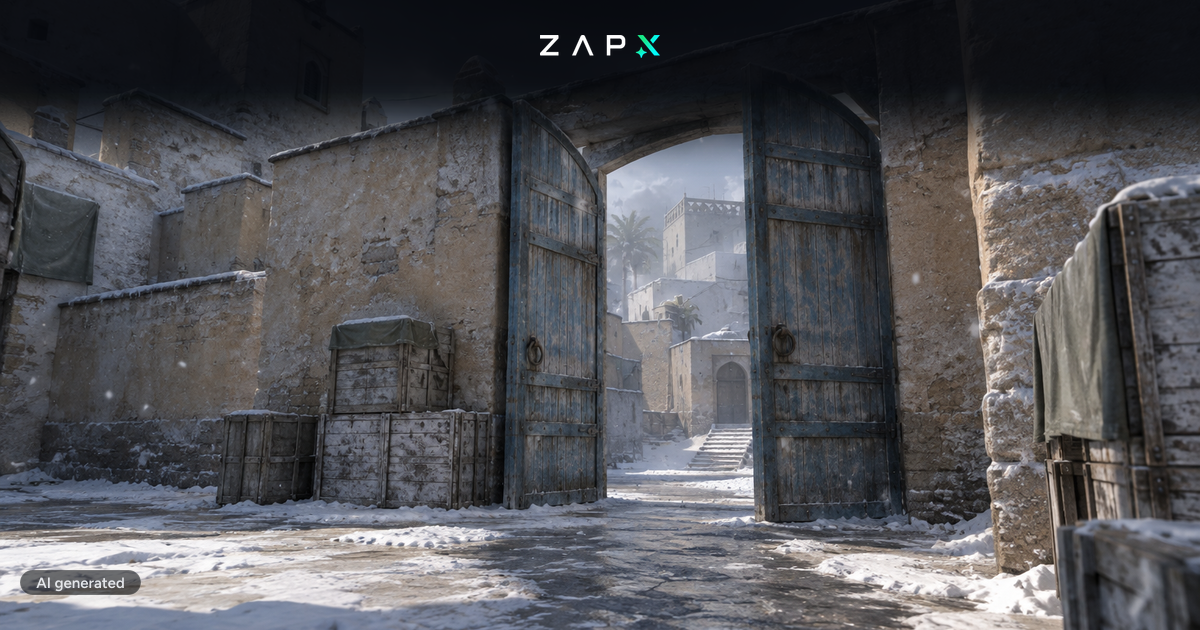
We have just added Counter-Strike 2 servers to our product lineup. Counter-Strike 2 servers are a additional product and not an update for Counter-Strike: GO servers. Since it is currently possible to continue playing on Counter-Strike: GO servers through the Steam beta feature, we have decided not to make any changes to the Counter-Strike: GO servers. If you want to switch from a CS: GO server to a CS 2 server, you can do so using our game switch feature by installing Counter-Strike 2 in addition to an existing Counter-Strike: GO server. You can find instructions on how to do this in our docs: https://zap-hosting.com/guides/docs/gameserver-gameswitch/ To continue playing on your CS: GO server, you can refer to our blog post: https://zap-hosting.com/en/blog/2023/09/our-servers-are-still-compatible-with-the-latest-beta-version-of-cs-go-on-steam/ You can rent Counter-Strike 2 servers here: https://zap-hosting.com/en/counter-strike-2-server-hosting/ You can rent Counter-Strike: GO servers here: https://zap-hosting.com/en/csgo-server-hosting/ Use the following coupon code to save 50% on the first payment of your next game server: Sq3YUnel
Counter-Strike 2 servers available now
This promotion has ended
The discounts and coupon codes in this post are no longer valid. Go to recent posts

Fabian brings new games to ZAP-Hosting and writes about shooters, simulations, space games, Palworld and ARK, as well as all titles outside Steam.
Feedback
Was this blog post helpful?
Your feedback helps us prioritize and improve blog articles.
From category
More about News
More posts on the same topic—curated for you from our blog.

New at ZAP: manage your servers with Claude and ChatGPT
Restart, read logs, create backups, change configs: with MCP Connect you can now do it in a chat with Claude, ChatGPT, Cursor or Gemini. No MCP server of your own, OAuth sign-in, and permissions you set yourself.
Read moreIn this category
Explore more
More interesting articles
Discover the latest news, tutorials, and tips from other categories.
Connect Claude or ChatGPT to your server: setting up the ZapX MCP connector
With the ZapX MCP connector you manage game servers, VPS, dedicated servers and TeamSpeak straight from Claude, ChatGPT or Cursor. Here is the setup step by step, including permissions.
Read moreBrowse the highlights
 Preferred source on Google









